24
© Copyright 2018 Karaoke Home Entertainment www.khe.com.au / www.khe.co.nz / www.picknmix.com.au
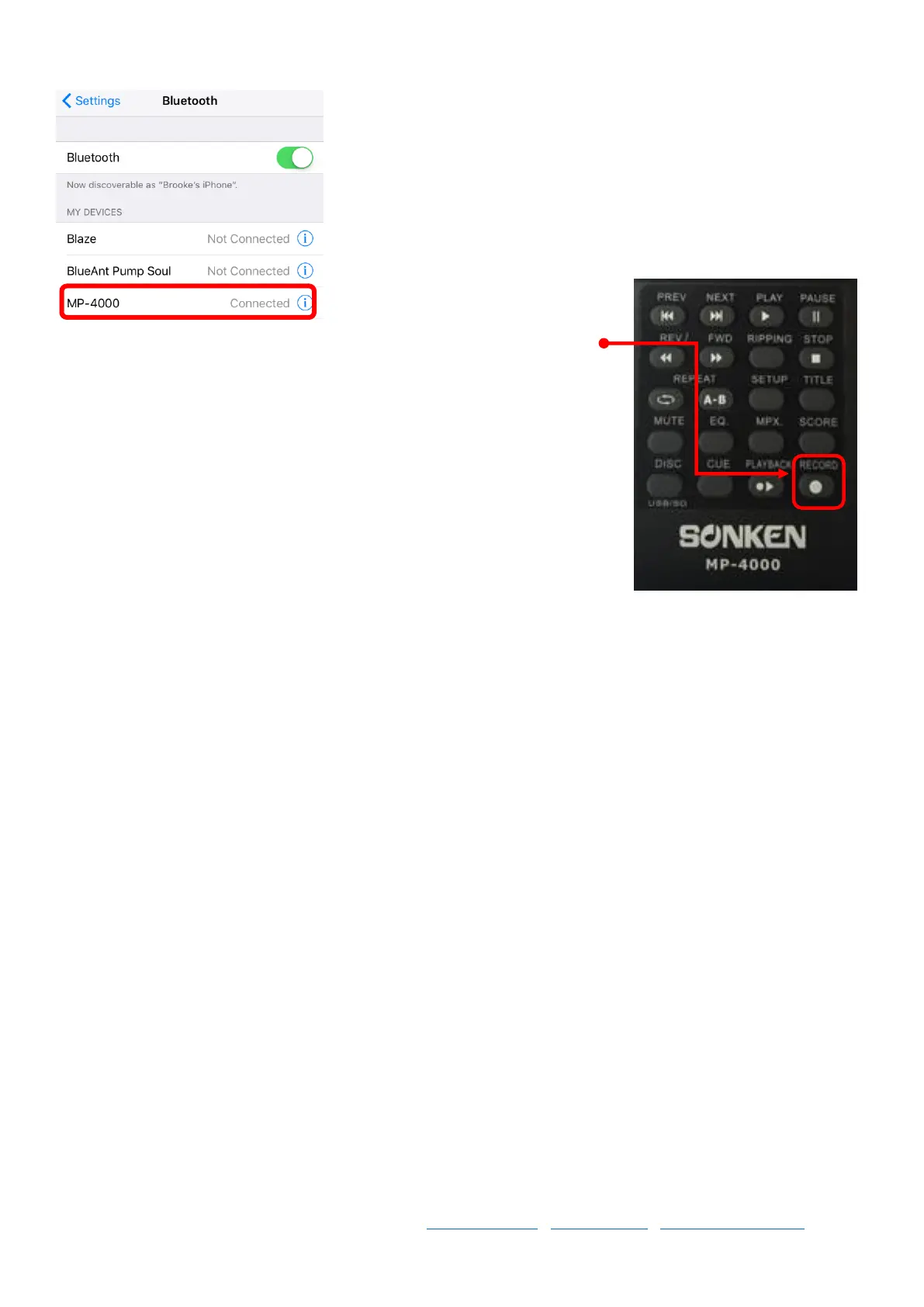
5. Once connected you can choose a song on your phone / YouTube to play via Bluetooth on the machine
6. With a USB inserted (blank or only with MP3+G files) select the record
button on the remote or front of unit, follow any prompts and you’ll see
the record symbol on the screen. Press the record button again to stop
recording.
Meet Your MP4000 Remote



 To Next Page