21
© Copyright 2018 Karaoke Home Entertainment www.khe.com.au / www.khe.co.nz / www.picknmix.com.au
MP4000 FAQ Page .......................................................................................................................................................... 36
How to Connect Your MP4000
Your Sonken MP4000 Karaoke Machine comes with a power cable to connect into the
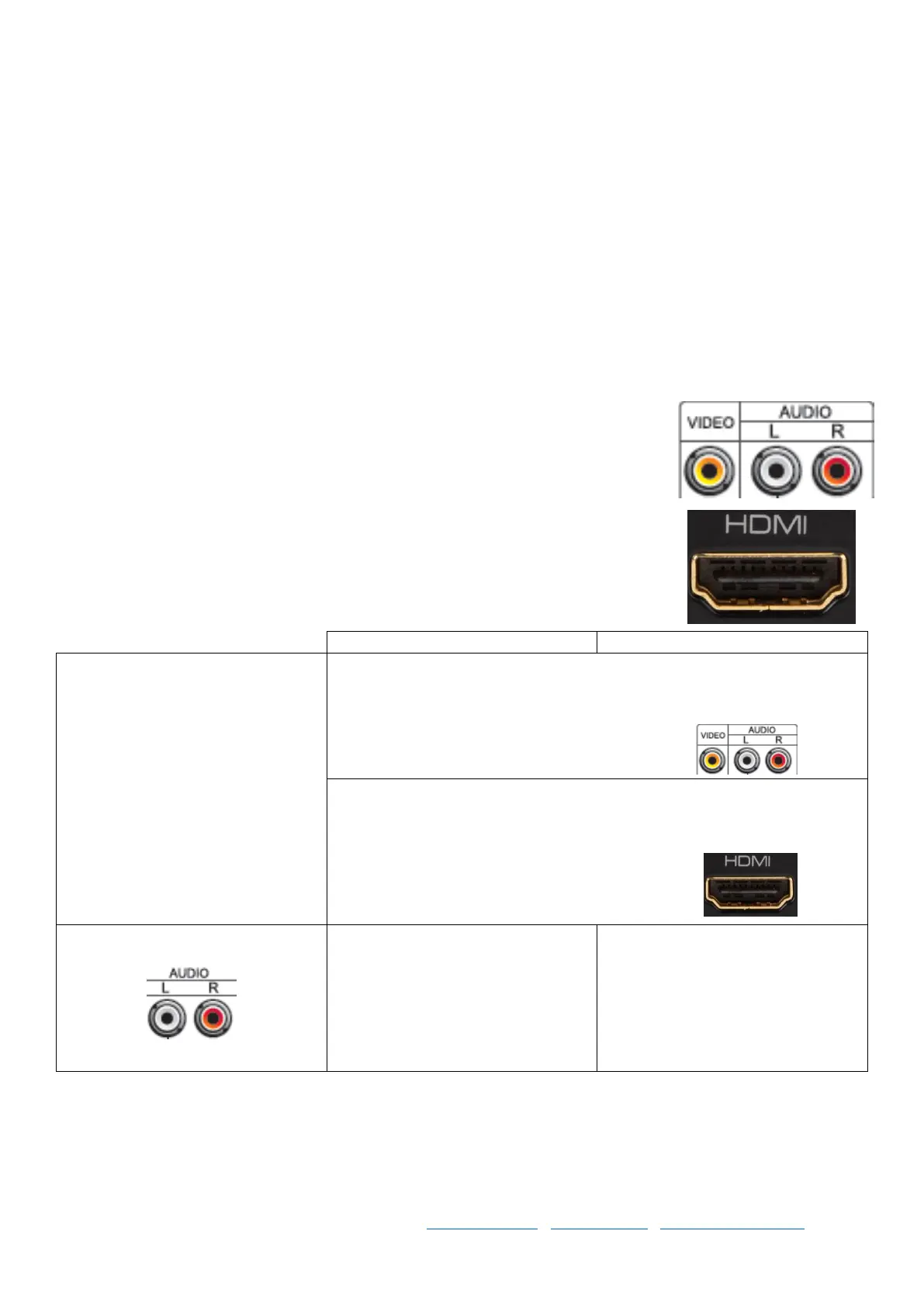
back and straight into a wall power socket. Then you have either standard RCA (red,
white, yellow) connections [Cable included] available or HDMI Connection [Cable Sold
Separately].
Your karaoke player can be plugged straight into your TV for quick karaoke fun however,
the sound output will be reflective of your television speakers.
Connection
TV Only
Please Note: You may get a voice
delay when using your TV only, as
TVs have very small speakers and
are not designed for karaoke use,
you will need to turn your TV
volume up considerably in order to
hear it properly and you may still
get delay. This is a limitation of the
TV and we always recommend you
use a dedicated speaker, we only
ever use a TV for the on-screen
lyrics.
If you want to use your TV for the visual on-screen lyrics and the sound,
you can plug all red, white and yellow RCA cables into matching Video and
Audio connections on your TV and select the appropriate AV Channel on
via the TVs source or input selector.
If you want to use your Smart TV for the visual on-screen lyrics and the
sound, you can the HDMI cable [Sold Separately] into HDMI input on your
TV and select the appropriate HDMI Channel on via the TVs source or input
selector.
Amplifier & Speaker / Powered
Speaker using L/R Audio
Plug the yellow cable from the AV
cable included into a matching
yellow Video Input connector on
your TV.
OR if your TV doesn’t have a Video
Yellow Input you can plug HDMI
direct to your TV.
If your amplifier or powered
speaker has the red and white RCA
connections, you can plug that
straight in from the karaoke player
to matching connections on your
speaker.



 To Next Page