M2-M Operating Manual | Mounting and Connecting
M2-M_Operating_Manual_2.0.0
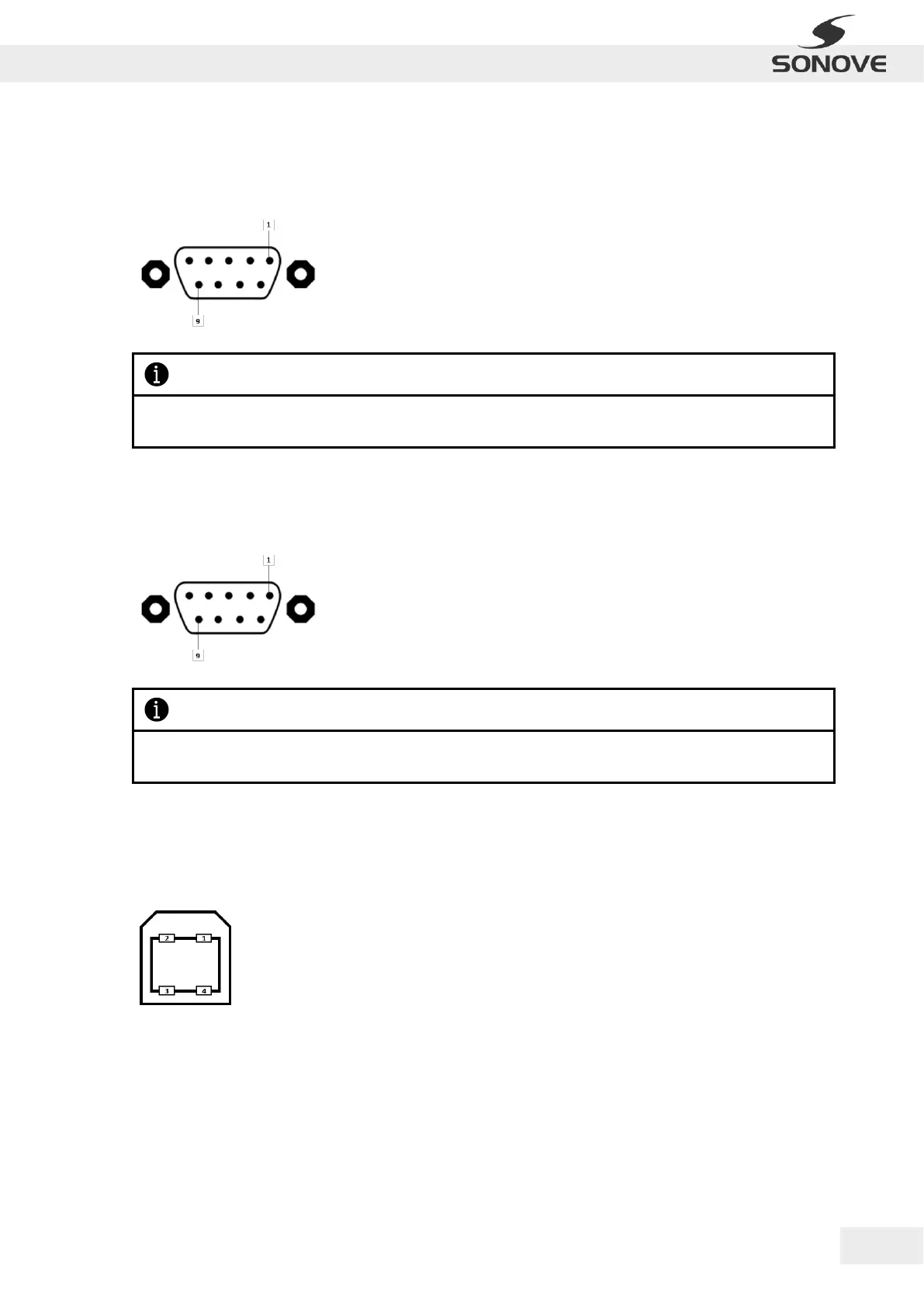
3.2.3 SERIAL INTERFACE (RS 232)
The monitor is equipped with a RS 232 D-SUB socket. The following table lists the port assignments:
3.2.4 SERIAL INTERFACE (RS 422/485)
The monitor is equipped with a RS 422/485 D-SUB socket. The following table lists the port assignments:
Fasten the fixing screws for adequate connection!
Ensure high quality of cable to avoid signal interference!
3.2.5 USB TOUCH (TYPE B)
The monitor is equipped with an USB Touch (Type B) socket for touch connection. The following table lists the
port assignment:
Figure 13: USB (Type B) socket
Fasten the cable’s fixing screws for adequate connection!
Ensure high quality of cable to avoid signal interference!


 To Next Page