M2-M Operating Manual | Mounting and Connecting
M2-M_Operating_Manual_2.0.0
Please notice, that a capacitive touch (CT) is an optional feature of the M2-M-24 monitors!
The following information only applies if the product has a capacitive touch!
The touch display must be connected to an USB port of the computer!
For systems that are equipped with capacitive touch, the correct USB cable is included in the delivery scope.
The touch driver must be installed on the computer!
To download the correct (!) USB Touch Driver that supports the operating system, please visit our website.
3.2.6 SOURCE SELECT (SMP-03V-BC)
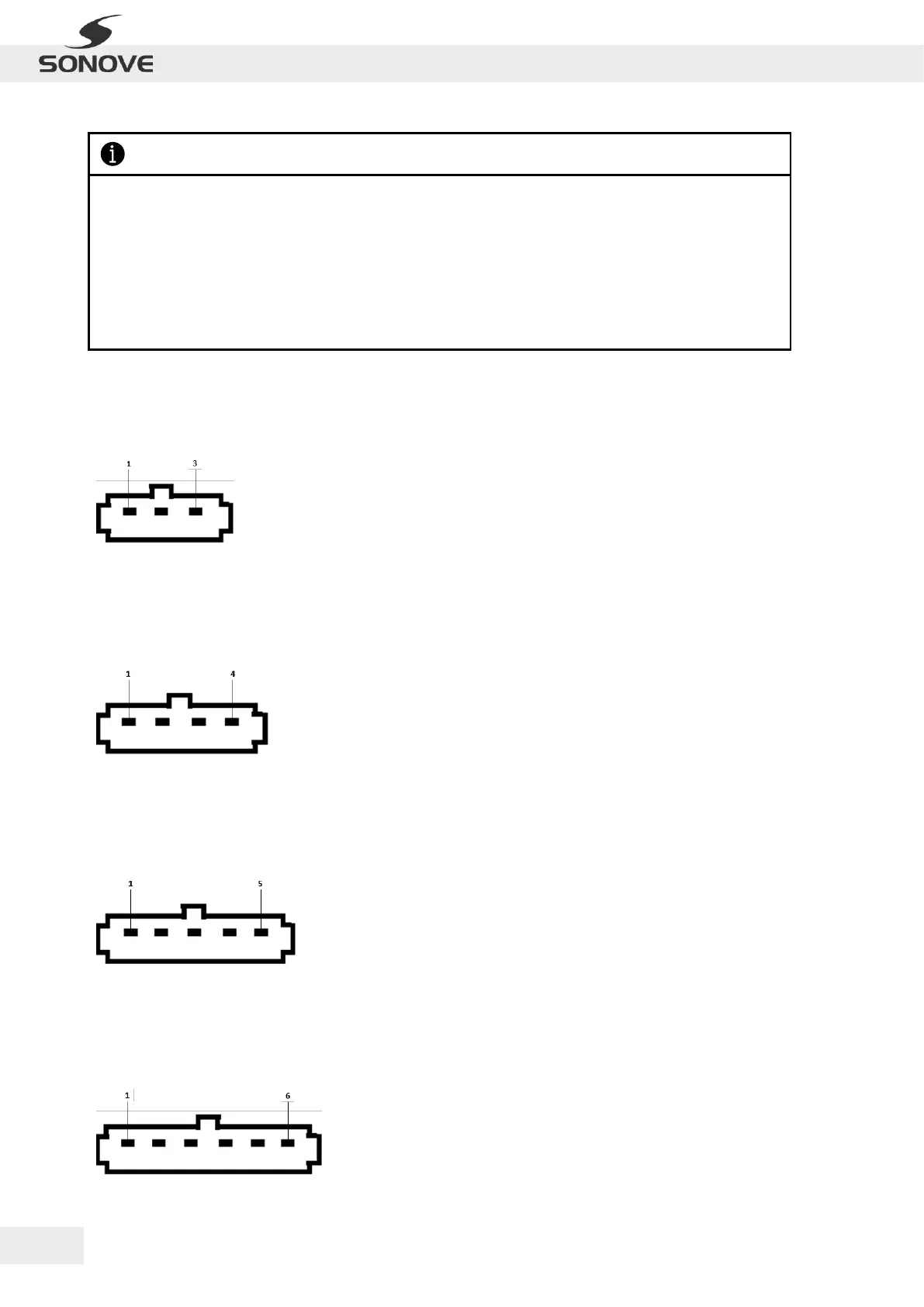
The monitor is equipped with a SMP-03V-BC socket. The following table lists the socket assignments:
Figure 14: SMP-03V-BC socket
3.2.7 EXTERNAL BUZZER (SMP-04V-BC)
The monitor is equipped with a SMP-04V-BC socket. The following table lists the socket assignments:
Figure 15: SMP-04V-BC socket
B = wire strap for internal
buzzer on/ off
3.2.8 EXTERNAL LED (SMP-05V-BC)
The monitor is equipped with a SMP-05V-BC socket. The following table lists the socket assignments:
Figure 16: SMP-05V-BC socket
3.2.9 EXTERNAL BACKLIGHT CONTROL (SMP-06V-BC)
The monitor is equipped with a SMP-06V-BC socket. The following table lists the socket assignments:
Figure 17: SMP-06V-BC socket


 To Next Page