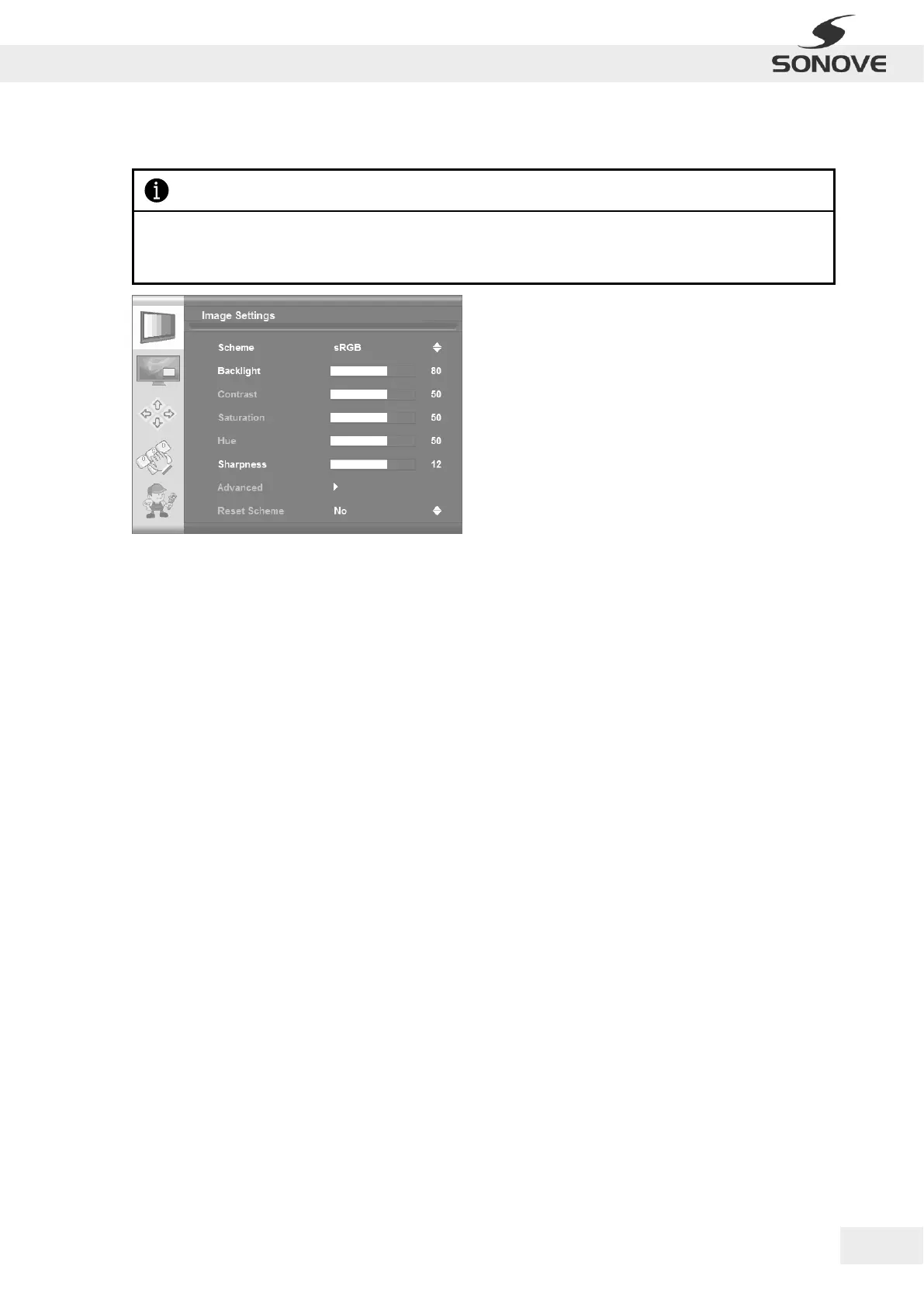
Scheme
Image Settings | Scheme
Switches between sRGB/normal/sport/game/cinema/vivid present values. Each scheme has
particular brightness, contrast, etc. values.
Backlight
Image Settings | Backlight
Allows backlight adjustment on the monitor.
Contrast
Image Settings | Contrast
Allows contrast adjustment in the Y domain. The modification affects all color channels and all input types and
is a direct multiplication of the Y data after YUV black level adjustment.
Saturation
Image Settings | Saturation
(Only for S-Video, CVBS, YPbPr, RGB+CS and video mode of DVI/HDMI)
Allows saturation adjustment in the UV domain. The modification affects all color channels and all input types.
Hue
Image Settings | Hue
(Only for S-Video, CVBS, YPbPr, RGB+CS and video mode of DVI/HDMI)
Allows hue adjustment in the UV domain. The modification affects all color channels and all input types.
Sharpness
Image Settings | Sharpness
Allows sharpness adjustment on the image.
Reset Scheme
Image Settings | Reset Scheme
Can be used to reset scheme (sRGB/normal/sport/game/cinema/vivid) settings to factory value.
Please notice that the range of possible configurations within the OSD Menu “Image Settings” depends on
the input type as well as the version of the firmware and may therefore differ from the following figures and
descriptions.


 To Next Page