M2-M Operating Manual | Operating
M2-M_Operating_Manual_2.0.0
Tiling
Display Settings | Tiling
The tiling function (for video wall applications) can be used with all input types.
> Horizontal Total
Display Settings | Tiling | Horizontal Total
Defines the total horizontal number of displays.
> Vertical Total
Display Settings | Tiling | Vertical Total
Defines the total vertical number of displays.
> Horizontal Position
Display Settings | Tiling | Horizontal Position
Defines the horizontal position of the actual display unit.
> Vertical Position
Display Settings | Tiling | Vertical Position
Defines the vertical position of the actual display unit.
> Tiling Status
Display Settings | Tiling | Tiling Status
Enables/disables the tiling function. If the PIP-Mode is PAP-Tall or side-by-side, the tiling status will be off and
disabled.
Please notice that tiling property cannot be used while PAP-Tall or Side-by-Side modes are active.
If PIP is turned on, the PIP image would be displayed on every panel of the video wall.
Image and position menus are disabled while tiling is on.
4.4.3 SUB MENU – POSITION SETTINGS
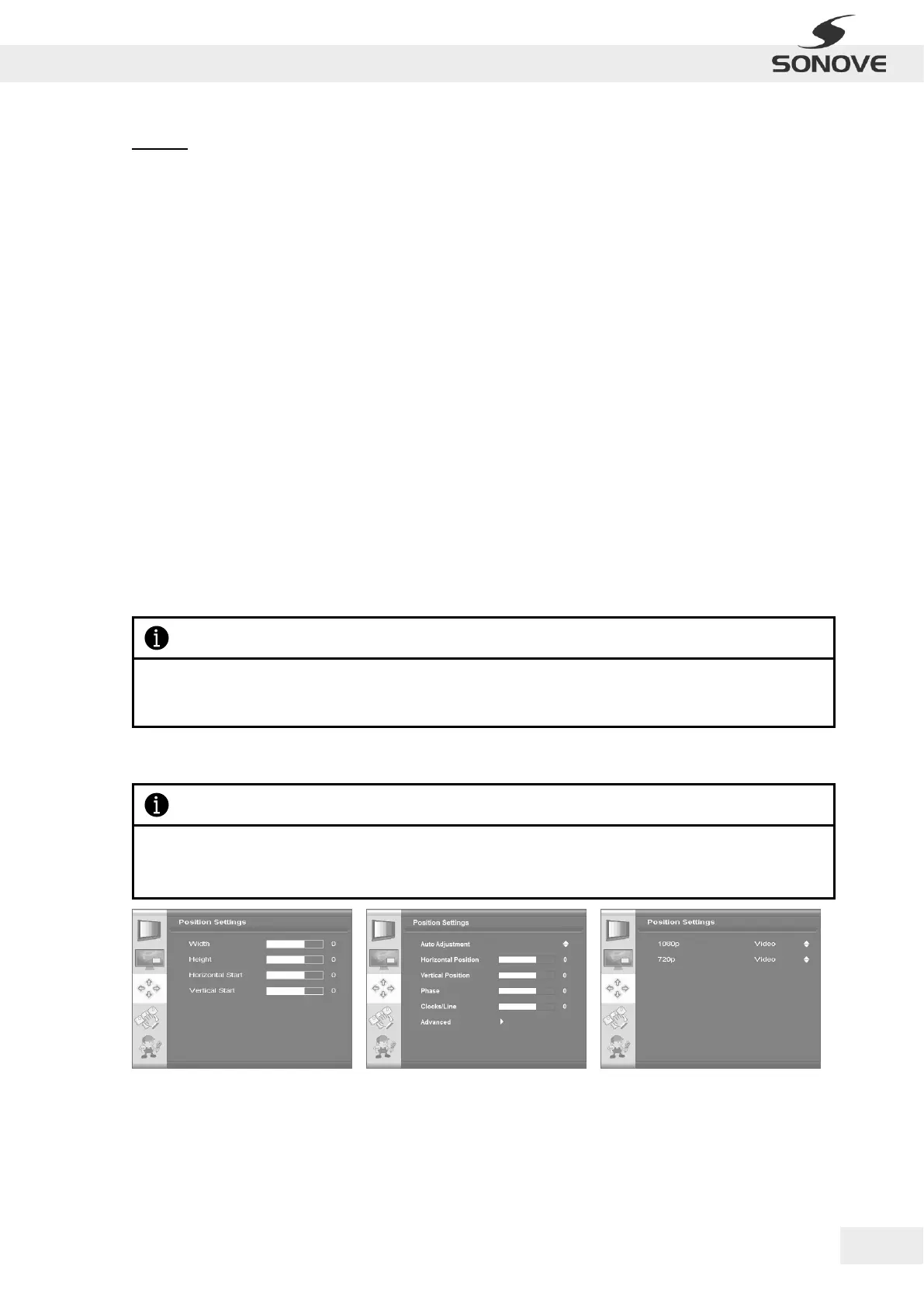
Figure 29: OSD Menu “Position Settings” for
video mode of HDMI, S-Video, composite
and component inputs
Figure 30: OSD Menu “Position Settings” for
VGA
Figure 31: OSD Menu “Position Settings” for
graphics mode of HDMI
Please notice that the range of possible configurations within the OSD Menu “Poition Settings” depends on
the input type as well as the version of the firmware and may therefore differ from the following figures and
descriptions.


 To Next Page