M2-M Operating Manual | Operating
M2-M_Operating_Manual_2.0.0
720p
Position Settings | 720p
(Only for graphics mode of HDMI)
Select Video or Graphics optimization for 720p content.
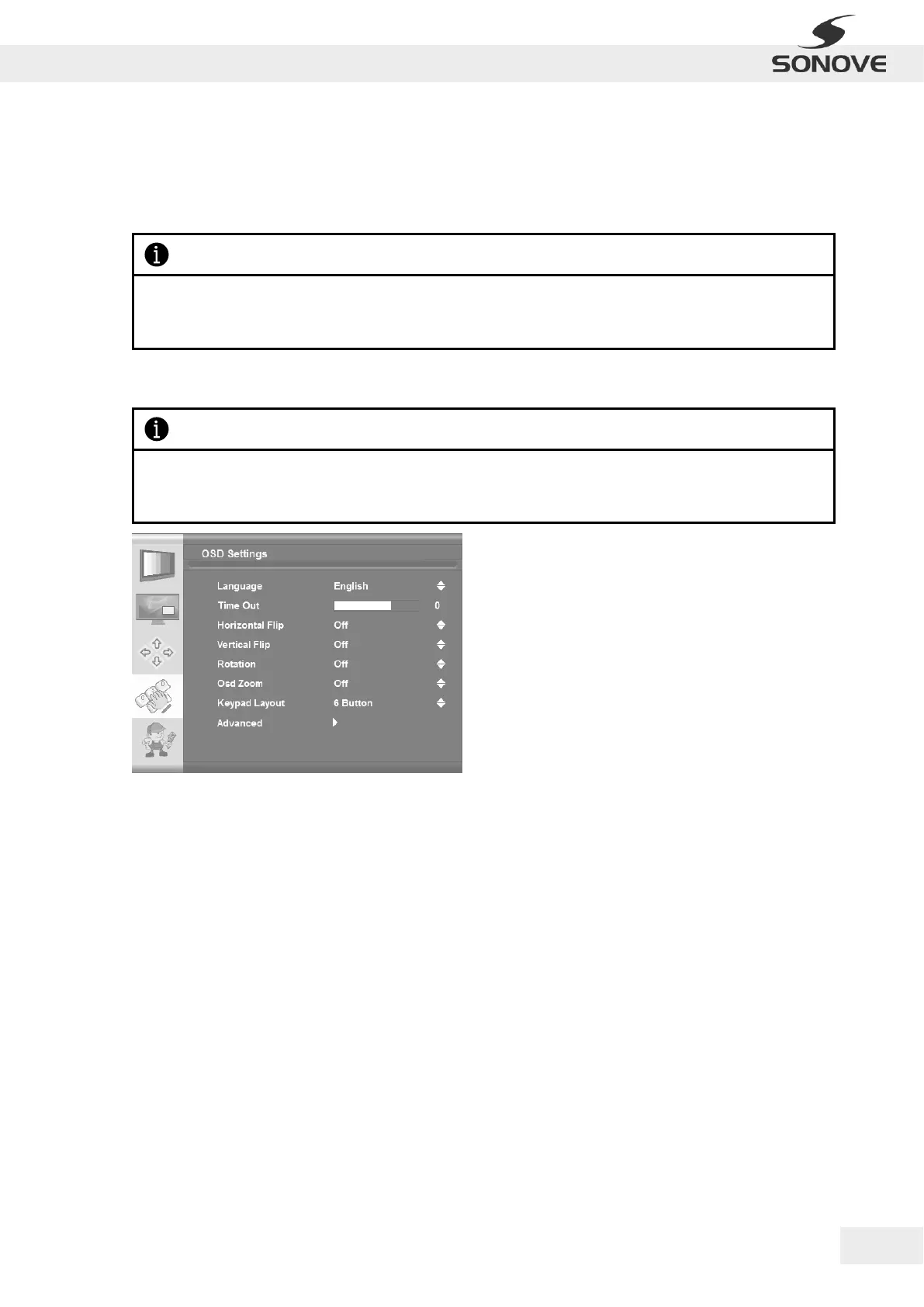
4.4.4 SUB MENU – OSD SETTINGS
Figure 32: OSD Menu “OSD Settings”
Language
OSD Settings | Language
Selects the language of the OSD menu: English, German, French, Italian, Spanish, Turkish,
Danish.
Time Out
OSD Settings | Time Out
This function determines after how many seconds the OSD will close itself.
Horizontal Flip
OSD Settings | Horizontal Flip
Flips the OSD horizontal.
Vertical Flip
OSD Settings | Vertical Flip
Flips the OSD vertical.
Rotation
OSD Settings | Rotation
Rotates the OSD.
Please notice, that selection of Video optimization entails optimzation of internal algorithms for videos
(moving content), whereas selection of Graphics optimization entails optimization of internal algorithms
for graphic input (static content e.g. from an office PC).
Please notice that the range of possible configurations within the OSD Menu “OSD Settings” depends on the
input type as well as the version of the firmware and may therefore differ from the following figures and
descriptions.


 To Next Page