41Instruction for use | Supercal 5
A long press on the right button has no function in the Service Menu.
A second long press on the left button opens the Default Menu.
A simultaneous long press on both buttons selects the Default Menu.
1 ×
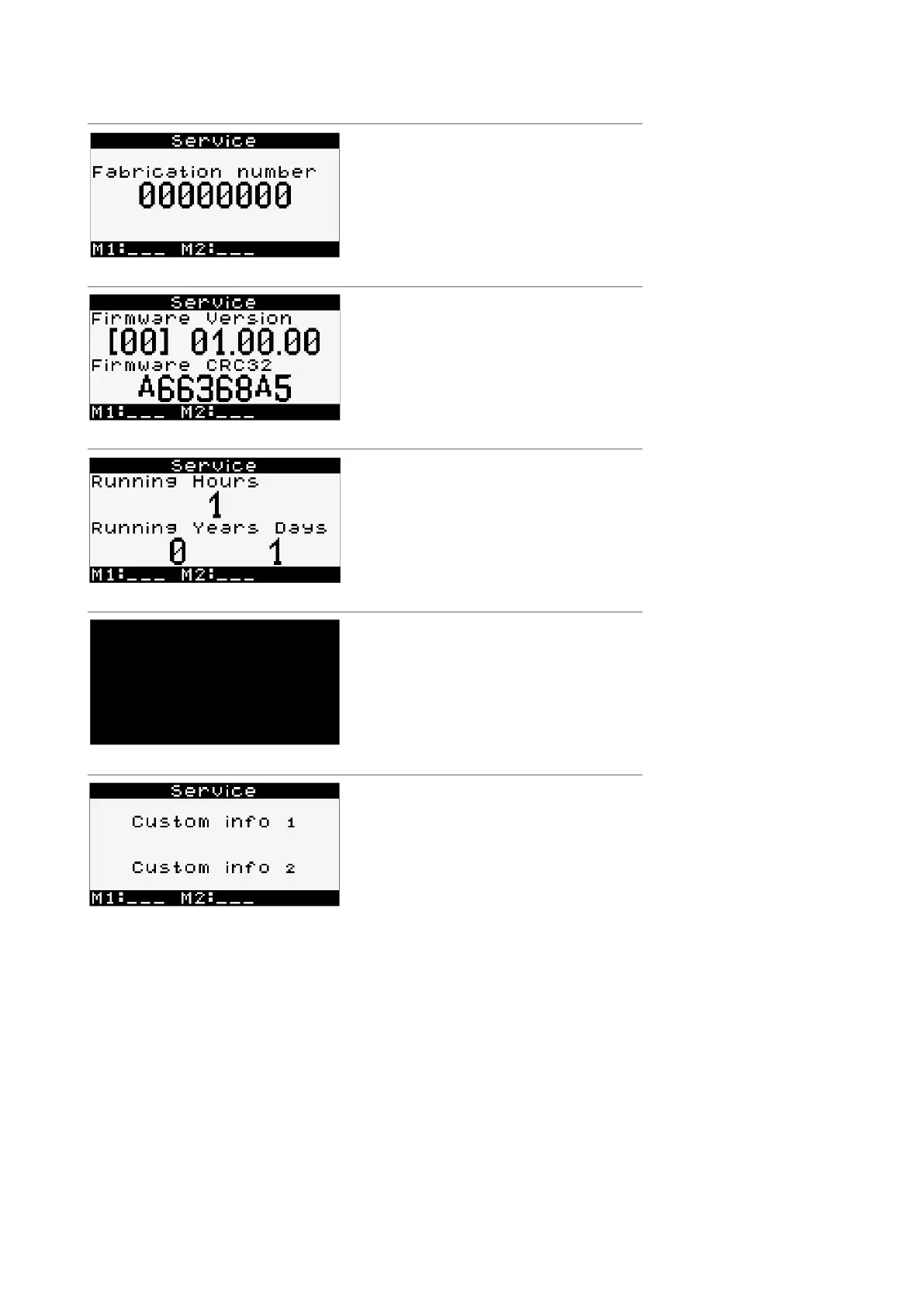
Serial number
1 ×
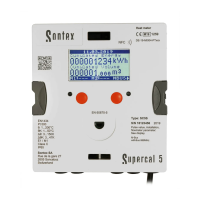
Firmware version
Firmware CRC32
* Firmware version and CRC32 may be dif-
ferent for future firmware versions.
1 ×
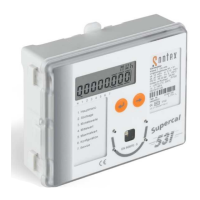
Running hours
Running Years Days
1 ×
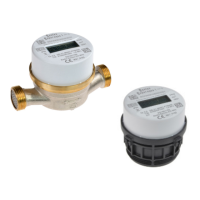
Display pixel test: the screen must have
every pixel on in this sub-menu.
1 ×
Service is customer’s menu that contains informative data, as shown below.



 To Next Page