40 Instruction for use | Supercal 5
6.11 Service
MainMenu
Metrological
Configuration
Service
Fabrication
Number
FirmwareVersion
/Firmware CRC32
RunningHours/
RunningYears
Days
TestRadio
Display pixel test
Customer
configurable
message 1 & 2
Errors
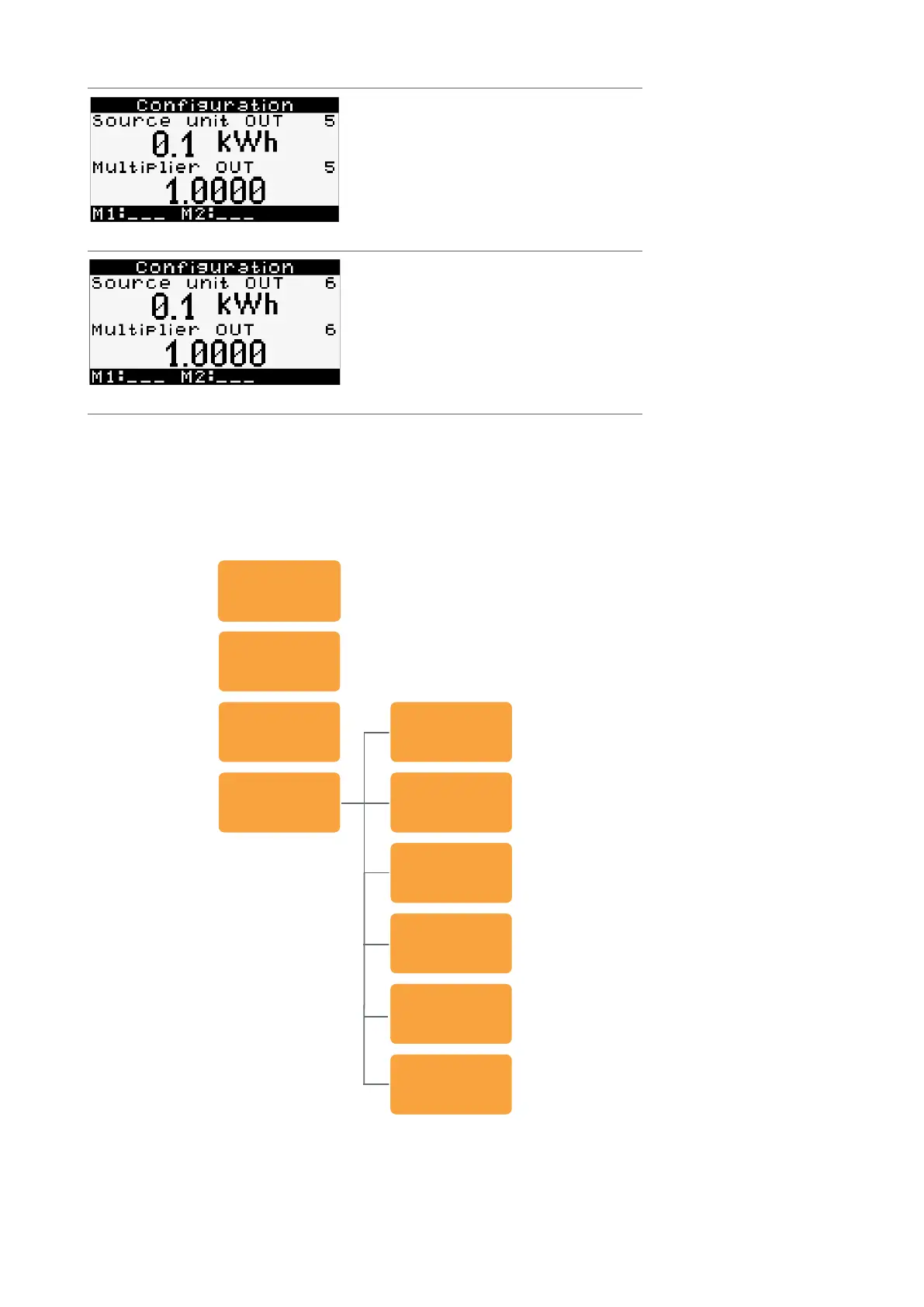
Active only when digital ouput module is
in slot 2. This menu must be activated with
Superprog Windows.
1 ×
Pulse unit OUT5
Multiplier OUT5 for number of pulses
Active only when digital output module is
in slot 2. This menu must be activated with
Superprog Windows.
1 ×
Pulse unit OUT6
Multiplier OUT6 for number of pulses
A long press on the right or left button does not have any function in the Conguration.
A two second press on both buttons simultaneously opens the Overview menu.



 To Next Page