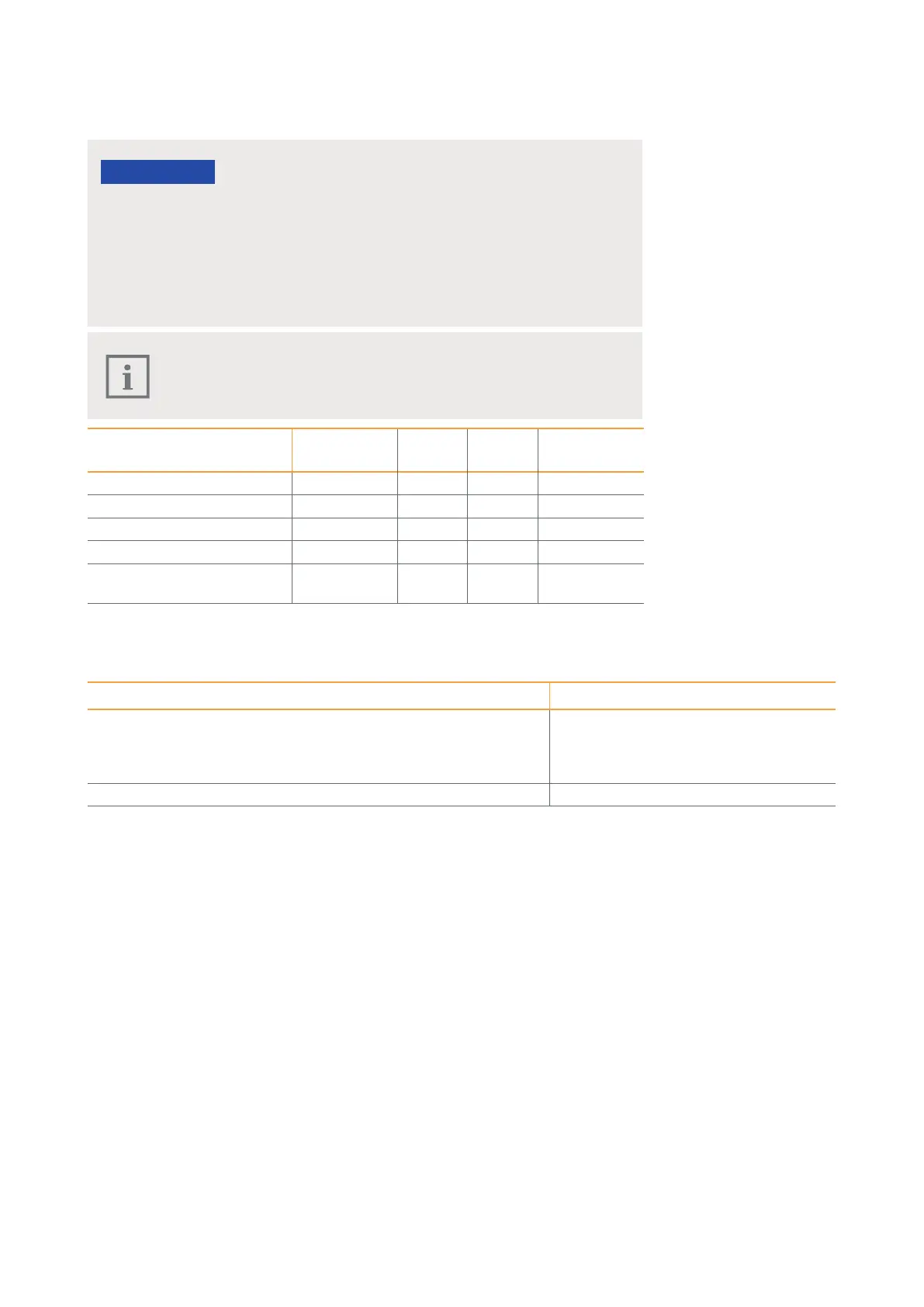
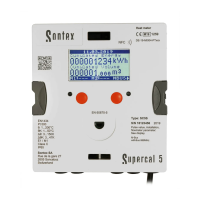
63Instruction for use | Supercal 5
13.5 Optional Communication Modules Overview
Safety and service marks relevant to calibration must not be damaged or removed!
Otherwise the warranty of the device is void. User seals may only be removed by
authorized persons for service purposes and must then be renewed.
Electrostatic discharges can destroy the module!
Avoid electrostatic discharges when installing and handling the Modbus module.
Before touching the calculator or Modbus module, touch an earthed pipe to discharge
yourself electrostatically (e.g. a cold or hot water pipe).
Automatic module recognition
Once the modules have been installed, they are automatically detected
by the Supercal 5 I within 30 seconds.
Designation Articles Slot 1 Slot 2 Needs mains
power supply
M-Bus module SC5X00020 Yes Yes No
BACnet / ModBus Module SC5X00021 Yes Yes Yes
Digital Inputs module SC5X00030 Yes Yes Yes
Digital Outputs module SC5X00031 Yes Yes Yes
Analog Output module 0- 24 mA
0- 10 V
SC5X00032 Yes Yes Yes
13.6 Software
Designation Articles
Software for reading and writing parameters in Supercal 5
The link to download the software can be found on our Extranet
My Sontex. Access is password protected. Please contact your local
representative for more information.
Superprog Windows
Commissioning Software for Supercal 5 Superprog Android



 To Next Page