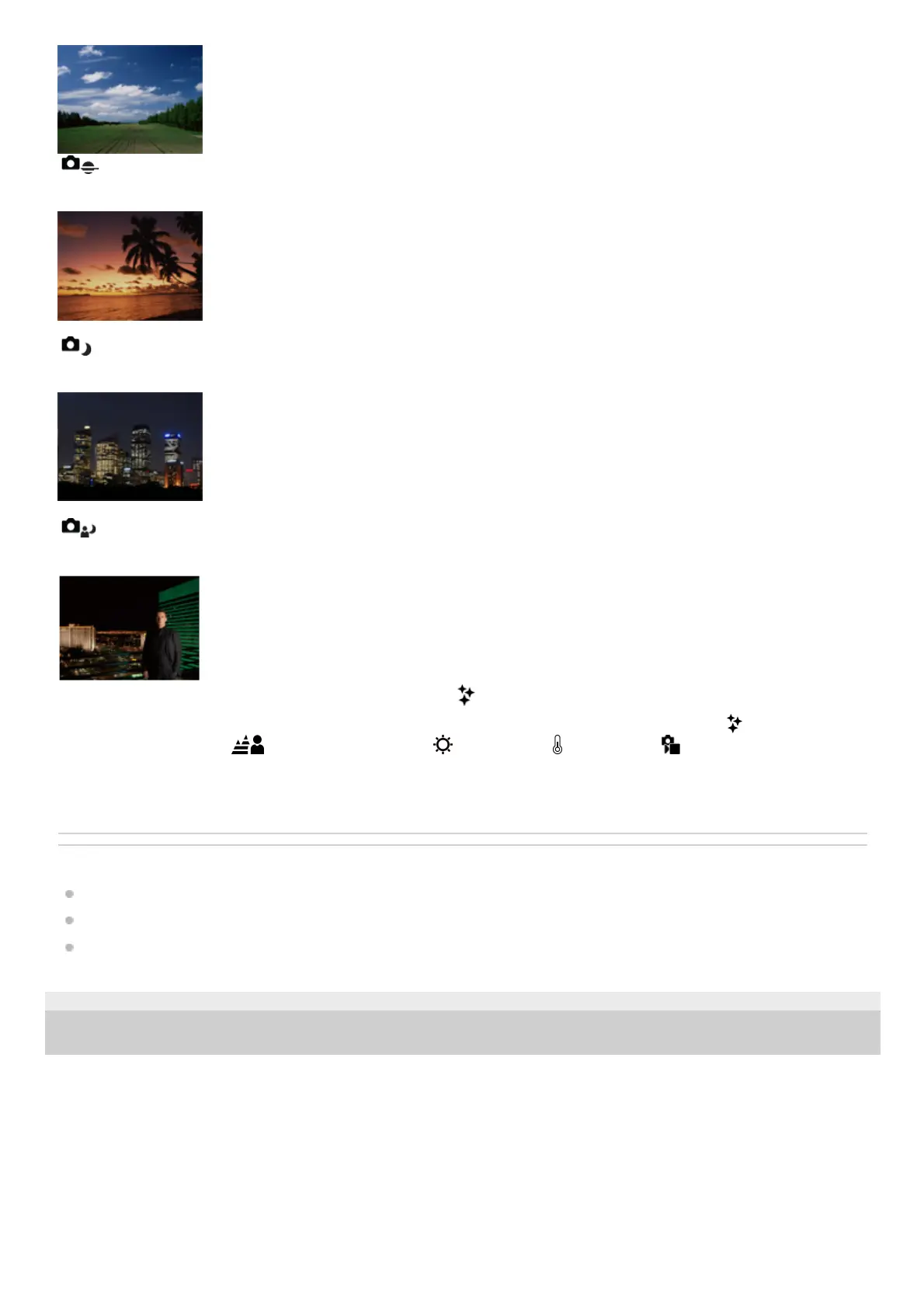
Sunset:
Shoots the red of the sunset beautifully.
Night Scene:
Shoots night scenes without losing the dark atmosphere.
Night Portrait:
Shoots night scene portraits using the flash (sold separately).
To adjust the image brightness, color tone, etc. ( My Image Style)
Swipe the monitor left or right to display the touch function icons on the shooting screen, and touch
(image
adjustment). You can set
(Background Defocus), (Brightness), (Color), and [ Creative Look] to your
preferences. Touch each icon at the bottom of the screen to set each item.
For details, refer to “ Adjusting images in the auto mode (My Image Style) .”
Related Topic
Touch function icons
Adjusting images in the auto mode (My Image Style)
Creative Look (still image/movie)
TP1001173398
5-054-865-11(1) Copyright 2023 Sony Corporation



 To Next Page
 Loading...








