Setup menu
133
You can change the focusing screen to Type L (not supplied) or Type M
(not supplied) according to your purpose. Select the appropriate setting for
the type of screen after changing the screen itself.
Notes
• If the type of screen is not properly set, you cannot measure the light properly.
• For details on how to change the focusing screen, refer to the operating instructions
supplied with the focusing screen.
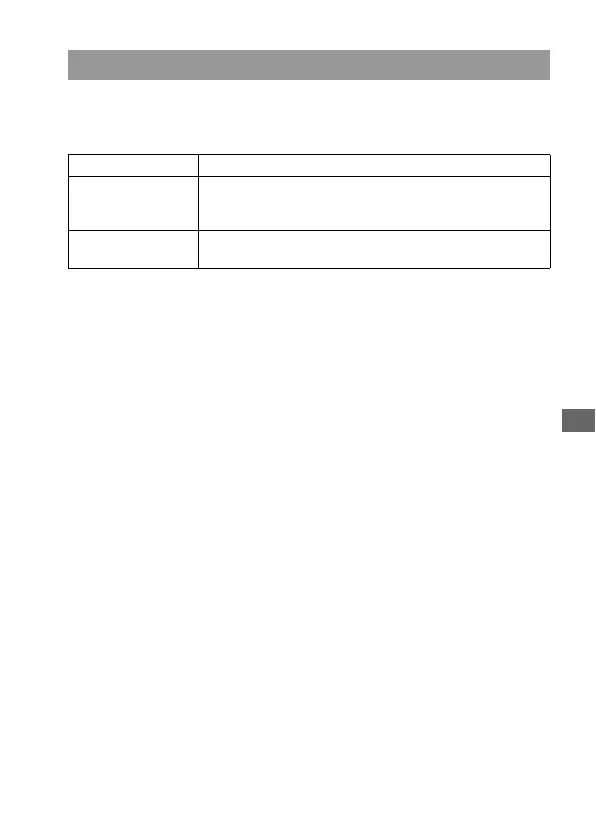
Focusing Screen
Type G Standard focusing screens (the default one).
Type M Focusing screens that make it easier to check the peak of the
focus and approximate sharpness. This is suitable for a
brighter lens (F1.4 to 2.8).
Type L Focusing screens that are equipped with a grid. The
brightness of the viewfinder is the same as that of the G type.



 To Next Page