Using the shooting function
65
Using a flash (not supplied)
In a dark location, using the flash allows you to shoot the subject brightly,
and it also helps to prevent camera shake. When shooting into the sun, you
can use the flash to shoot a bright image of the backlit subject.
For details on how to use the flash, refer to the operating instructions
supplied with the flash.
Note
• The lens may block the light of the flash and a shadow may appear on the bottom of
the image. Remove the lens hood.
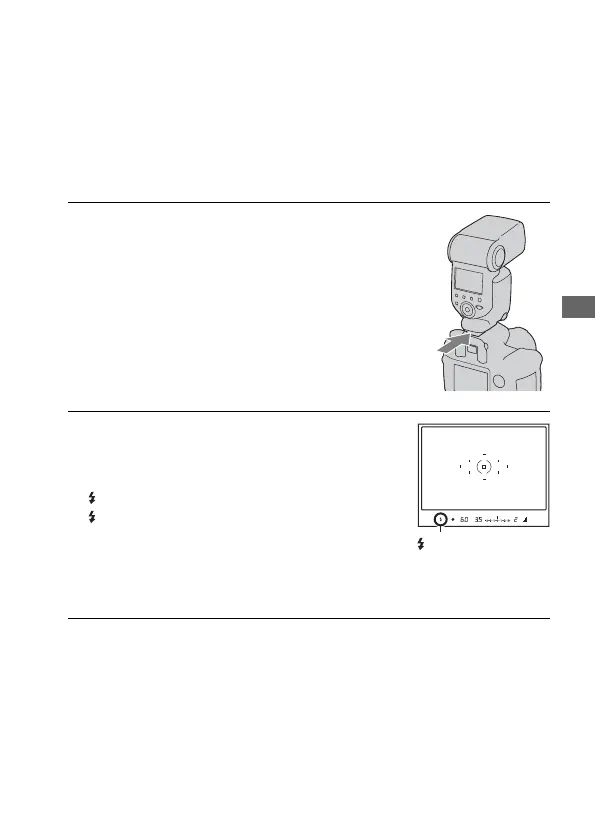
1 Remove the accessory shoe cap
and attach the flash (not
supplied).
• Firmly push the flash into the accessory
shoe in the direction of the arrow until
it stops.
2 Turn the flash on and after the
flash charging is completed,
shoot the subject.
Flashing: The flash is being charged.
Lit: The flash has been charged.
• When you press the shutter button
halfway down under dark lighting in
auto focus mode, the AF illuminator of
the flash may be emitted.
(Flash charging)
indicator



 To Next Page