Shooting images
49
Shooting images
Shooting with the automatic setting
The “AUTO” mode allows you to easily shoot any subject under any
conditions.
Notes
• If you turn the camera off or change the exposure mode in the AUTO mode, the
main shooting functions are reset to the default settings. The functions that are not
reset are as follows:
– Switch, dial, buttons:
The switch, the diopter-adjustment dial, the items set with the DISP button,
and the C button
– Recording menu:
Image size, Aspect ratio, Quality, Exposure step, Memory
– Custom menu/Playback menu/Setup menu:
All the items
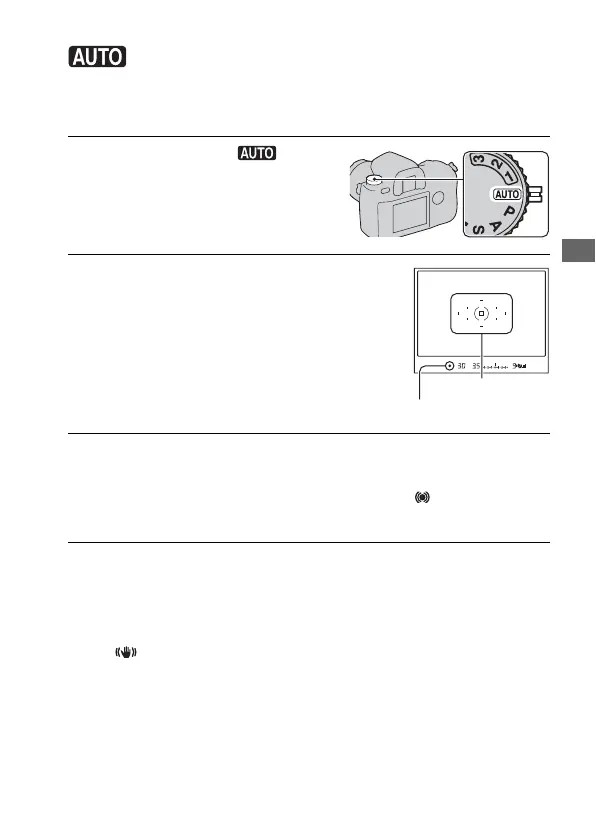
1 Set the mode dial to .
2 Hold the camera and look into the
viewfinder.
Focus indicator
3 Press the shutter button halfway down to focus and press the
shutter button fully down to shoot.
When the focus is confirmed, the focus indicator z or (Focus indicator)
lights up (page 59).
Focus area



 To Next Page