28
To cancel the date/time setting operation
Press the MENU button.
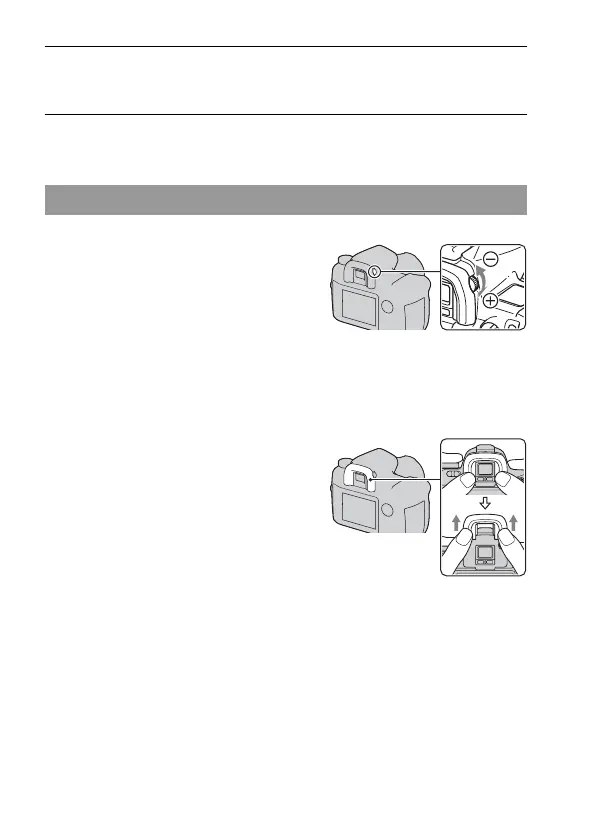
When it is hard to rotate the diopter-adjustment dial
5 Verify that [OK] is selected, then press the center of the multi-
selector.
Adjusting the diopter
Adjust the diopter-adjustment dial
to your eyesight until the indicators
appear clearly in the viewfinder.
• Turn the dial toward + when you are far-
sighted, toward – when you are near-sighted.
• Training the camera on the light allows you to
adjust the diopter easily.
Insert your fingers under the eyecup, and
slide it upward to remove the eyecup,
then adjust the diopter.
• When attaching the FDA-M1AM Magnifier
(not supplied) or the FDA-A1AM Angle
Finder (not supplied) to the camera, remove
the eyecup as illustrated and attach them.



 To Next Page