Using the shooting function
67
5Shoot the image.
The flash of the HVL-F58AM and another flash are fired.
Notes
• Change the channel of the external flash when another photographer is using a
wireless flash nearby and his/her flash light triggers firing of your flash. To change
the channel of the external flash, refer to the operating instructions supplied with it.
• For details on the wireless flash, refer to the operating instructions supplied with the
flash.
If you use the slow sync shooting feature with a slower shutter speed, you
can capture a clear image of both the subject and the background. This is
convenient when you shoot a portrait at night with a dark background.
Note
• In shutter speed priority mode or manual exposure mode, slow sync shooting is not
available using the SLOW SYNC button.
Since the flash sync speed restriction is removed when you use one of the
HVL-F58AM, HVL-F56AM, HVL-F42AM or HVL-F36AM models, the
flash allows you to take pictures using the flash with the entire shutter
speed range of the camera. It also enables you to take pictures with the flash
in bright conditions with the aperture open. In high speed sync mode, “H”
or “HSS” appears in the viewfinder and on the LCD monitor.
Notes
• High speed sync mode is not available when the two-second self-timer or mirror
lockup shooting is selected, or the flash mode is set to (Rear sync.).
Shooting with Slow Sync
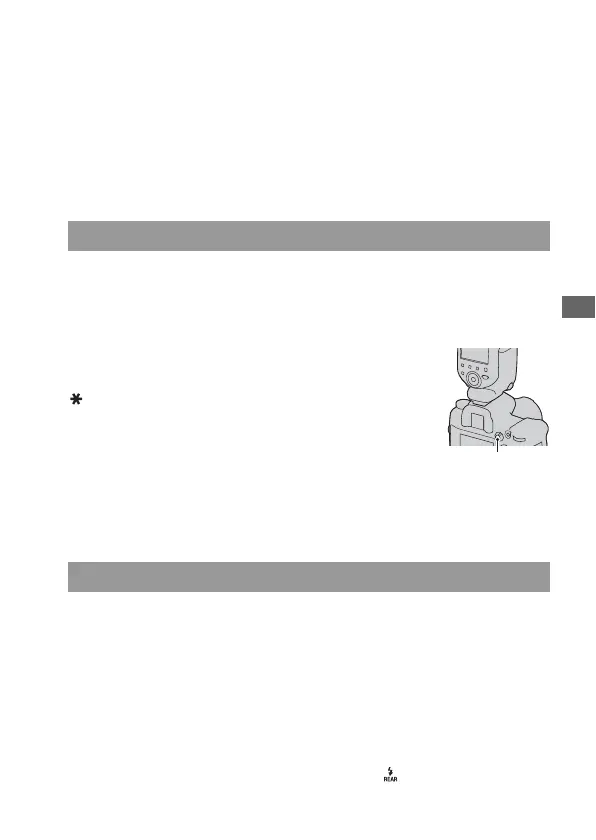
Shoot with the SLOW SYNC button
pressed.
in the viewfinder and on the LCD
monitor lights up to indicate the exposure
is locked.
SLOW SYNC button
Shooting with High Speed Sync (HSS)



 To Next Page