Using the shooting function
61
Notes
• The supplementary ranging points are activated only when (Wide) is selected.
They are not displayed in the viewfinder.
• The AF area may not be illuminated during continuous shooting or when the shutter
button is pressed all the way down without pause.
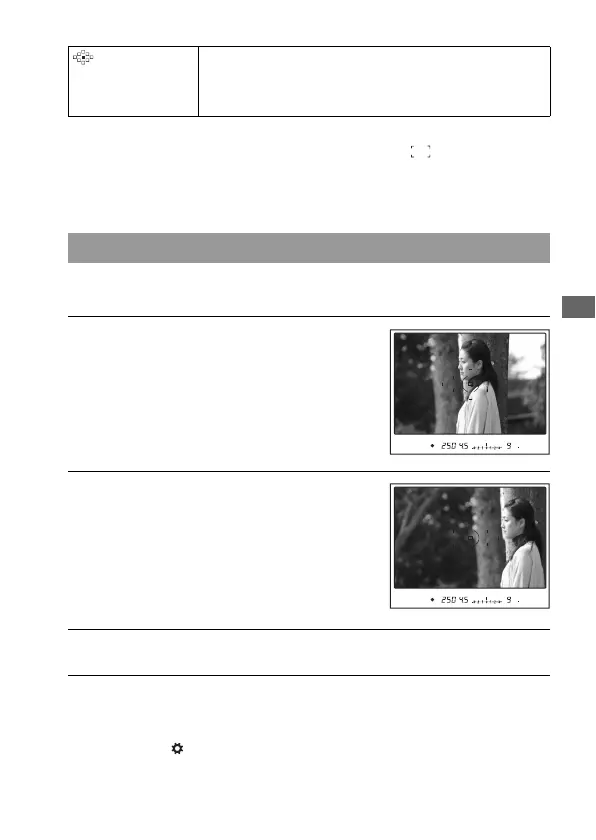
If the subject is off-center and outside the AF area, lock the focus by
following the steps below.
• Pressing the center of the multi-selector also locks the focus on the spot
AF area (page 60).
• You can also use the AF/MF button to lock the focus with [AF/MF
button] in the Custom menu (page 116).
(Local) Choose the area for which you want to activate the focus
from among nine areas with the multi-selector during the
shooting. To select the spot AF area, press the center of the
multi-selector.
Shooting with focus-lock
1 Place the subject within the AF
area and press the shutter button
halfway down.
2 Keep the shutter button halfway
down, and re-compose the shot.
3 Press the shutter button fully down to take the picture.



 To Next Page