60
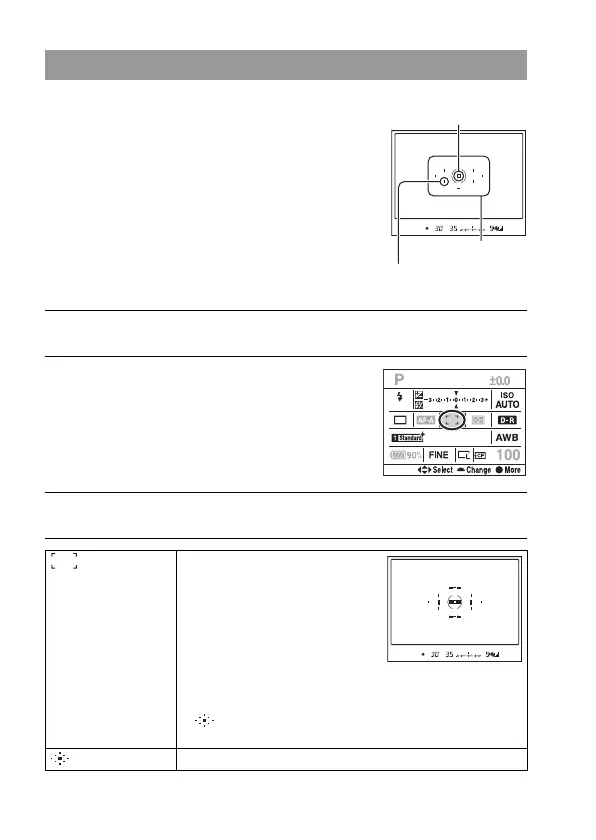
Selecting the focus area
Select the desired AF area to suit the
shooting conditions or your preference.
The area used for focusing is illuminated
briefly.
Spot AF area
Area
1 Press the Fn button to display the Quick Navi screen (page 48).
2 Select the AF area item with v/V/
b/B on the multi-selector.
3 Select the desired mode with front or rear control dial.
(Wide) The camera determines which
of the nine AF areas is used
in focusing within the AF
area. The camera focuses on a
subject using 10
supplementary ranging
points, in addition to the
normal nine ranging points,
to focus with a high degree of accuracy. If you press and hold
the center of the multi-selector, [AF area] is temporarily set
to (Spot) and you can adjust the focus using the spot AF
area.
(Spot) The camera uses the spot AF area exclusively.
AF area



 To Next Page