46
Camera shake warning indicator
Due to potential camera shake, the (Camera shake warning) indicator
flashes in the viewfinder.
Note
• The (Camera shake warning) indicator is displayed only in the exposure modes
that the shutter speed is automatically set. This indicator is not displayed in M/S/P
S
modes.
SteadyShot scale indicator
Note
• The SteadyShot function may not work optimally when the power has just been
turned on, just after you aim the camera, or when the shutter button has been pressed
all the way down without stopping halfway. Wait for the (SteadyShot scale)
indicator scale to go down, and then press the shutter button down slowly.
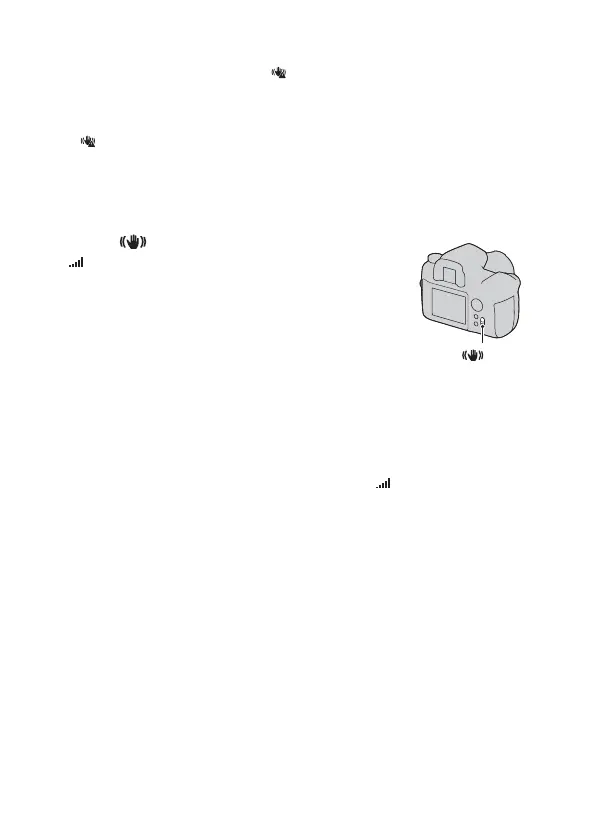
Setting the switch to “ON” turns on
the (SteadyShot scale) indicator. Wait
until the camera shake is reduced and the
scale becomes low, then start shooting.
This SteadyShot function can reduce the
effect of camera shake by the equivalent
of approximately 2.5 to 4 increments of
shutter speed.
switch



 To Next Page