ICD-UX71/UX81/UX71F/UX81F/UX91F 4-114-023-41(1)
18
GB
Continued directly from
“Step 1: Preparing a Power
Source”
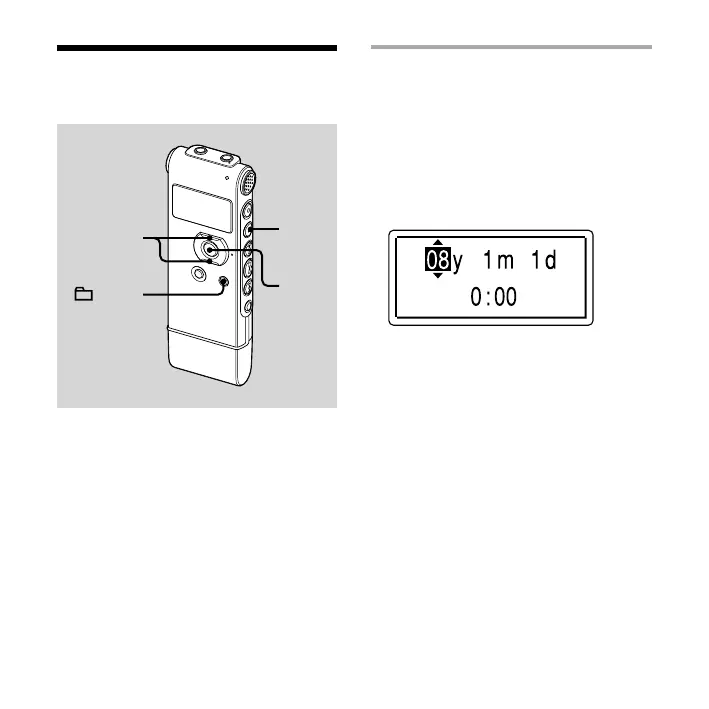
1 Press or on the control button
to set the year, month, day, hour,
and minute in sequence, and then
press ENT.
2 Press (stop) to return to the
display of the stop mode.
Step 2: Setting the
Clock
,
ENT
/MENU
You need to set the clock to use the
alarm function or record the date and
time.
Clock setting display appears when you
insert battery for the rst time, or when
you insert a battery after the IC recorder
has been without battery for more than
3 minutes, “SET DATE & TIME” appears,
and then the year section ashes in the
display window.



 To Next Page