ICD-UX71/UX81/UX71F/UX81F/UX91F 4-114-023-41(1)
33
GB
Recording/Playback Messages
Recording with an external
microphone
Stereo
microphone
To the
(microphone) jack
,
ENT
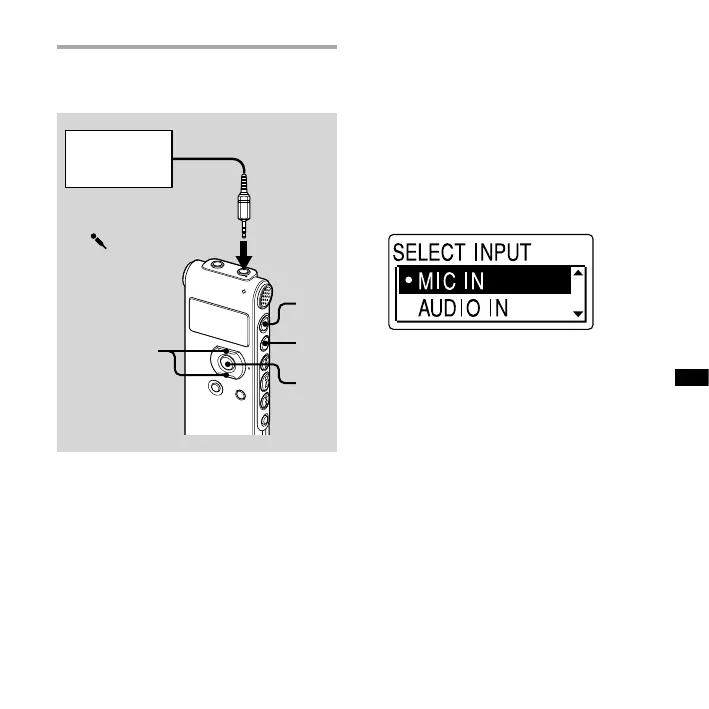
1 Connect an external microphone to
the (microphone) jack when the
IC recorder is in the stop mode.
“SELECT INPUT” appears in the display
window.
2 Press or on the control button
to select “MIC IN,” and then press
ENT.
3 Press (stop) to exit the menu
mode.
4 Press (record/pause) to start
recording.
The built-in microphones are
automatically cut o.
If the input level is not strong enough,
adjust the microphone sensitivity on
the IC recorder.
When a plug in power type
microphone is connected, power
is automatically supplied to the
microphone from the IC recorder.



 To Next Page