ICD-UX71/UX81/UX71F/UX81F/UX91F 4-114-023-41(1)
49
GB
Recording/Playback Messages
Playing Back a
Message at a Desired
Time with an Alarm
,
ENT
/MENU
You can sound an alarm and start
playback of a selected message at a
desired time.
You can have the message played back
on a specied date, once every week, or
at the same time every day.
1 Select the message you want to
play back with an alarm.
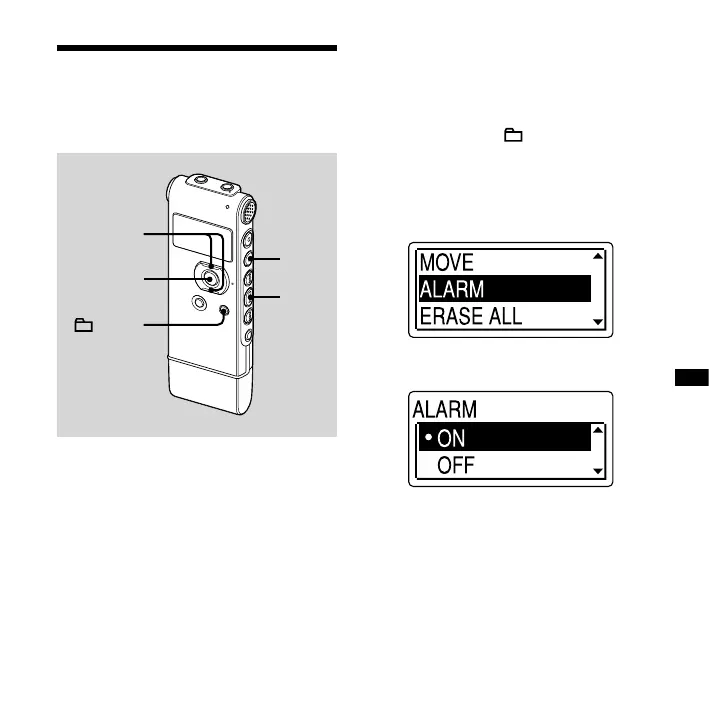
2 Enter the alarm setting mode.
Press and hold /MENU to enter the
menu mode.
The menu mode window will be
displayed.
Press or on the control button to
select “ALARM,” and then press ENT.
Press or on the control button to
select “ON,” and then press ENT.



 To Next Page