ICD-UX71/UX81/UX71F/UX81F/UX91F 4-114-023-41(1)
19
GB
Getting Started
Setting the clock using the
menu
While the IC recorder is in the stop mode,
you can set the clock using the menu.
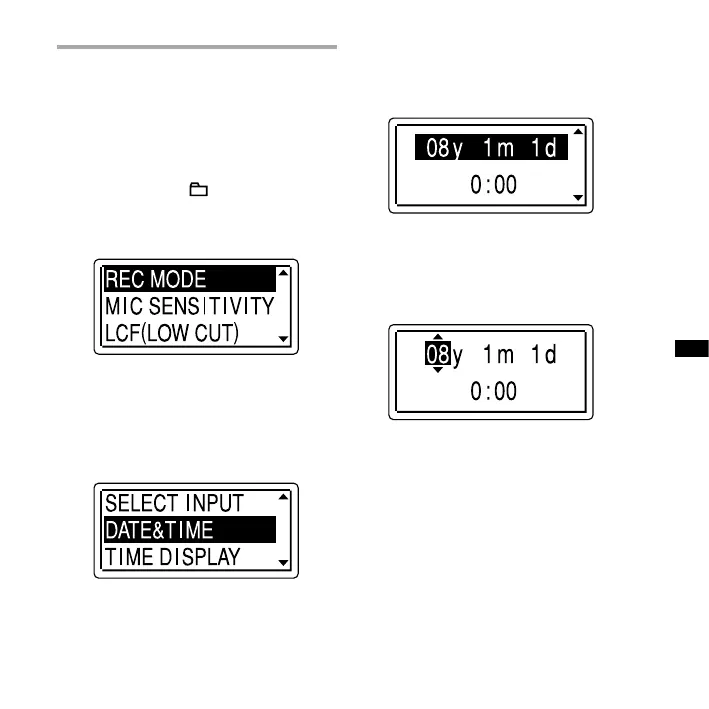
1 Select “DATE & TIME” in the menu.
Press and hold /MENU to enter the
menu mode.
The menu mode will be displayed in
the display window.
Press or on the control button to
select “DETAIL MENU,” and then press
ENT.
Press or on the control button to
select “DATE & TIME,” and then press
ENT.
2 Press the or on the control
button to select “08y1m1d,” and
then press ENT.
3 Press or on the control button
to set the year, month, day, hour,
and minute in sequence, and then
press ENT.
4 Press (stop) to return to the
display of the stop mode.



 To Next Page