ICD-UX71/UX81/UX71F/UX81F/UX91F 4-114-023-41(1)
54
GB
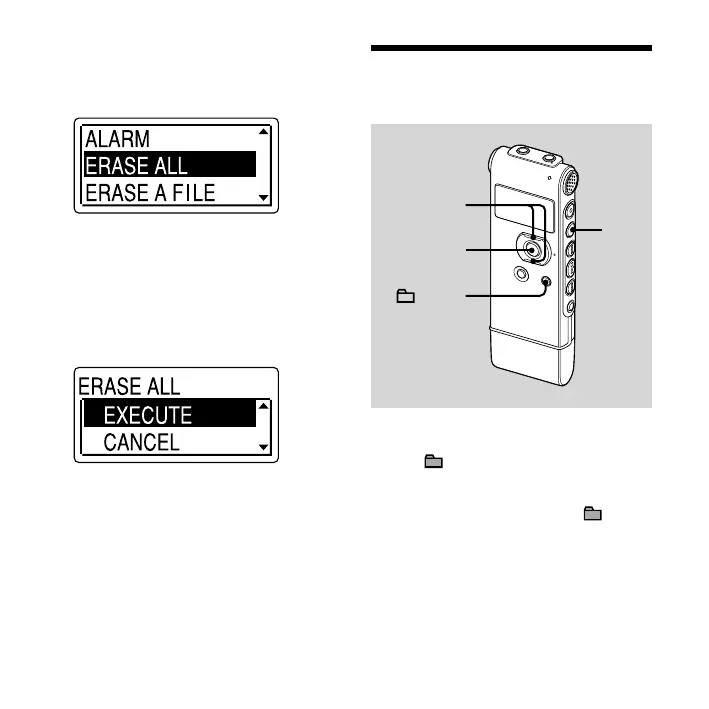
3 Press or on the control button
to select “ERASE ALL,” and then
press ENT.
4 Press or on the control button
to select “EXECUTE,” and then press
ENT.
“ERASING …” appears in the display
window and all messages in the
selected folder will be erased.
To cancel erasing
Select “CANCEL” in step 4, and then press
ENT.
Moving a Message to
a Dierent Folder
,
ENT
/MENU
Notes
When “ ” is displayed for the folder
indicator, you cannot move a message
(page 76).
You cannot move a message to a folder.



 To Next Page