ICD-UX71/UX81/UX71F/UX81F/UX91F 4-114-023-41(1)
35
GB
Recording/Playback Messages
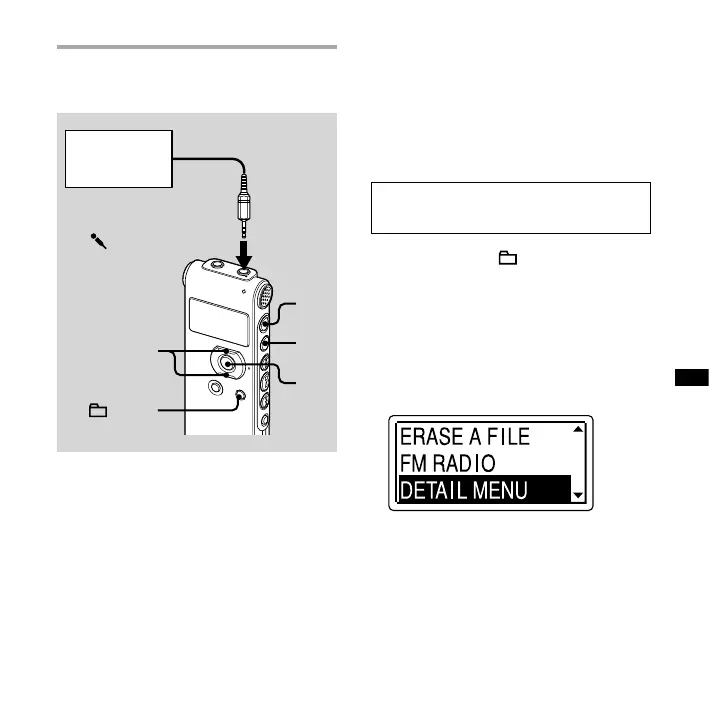
Recording from other
equipment
Tape recorder,
etc.
To the
(microphone) jack
,
ENT
/MENU
You can make music les without using
the computer by recording the sound
from other equipment connected to the
IC recorder.
When you use the synchronized
recording function, the IC recorder
enters the recording pause mode when
no sound is detected for more than
2 seconds and the IC recorder starts
recording again as a new message when
sound is detected.
Tip
Before you start recording, we recommend
you make a trial recording first.
To record using the
synchronized recording function
1 Press and hold /MENU to enter
the menu mode.
The menu mode window will be
displayed.
2 Press or on the control button
to select “DETAIL MENU,” and then
press ENT.



 To Next Page