ICD-UX71/UX81/UX71F/UX81F/UX91F 4-114-023-41(1)
53
GB
Editing Messages
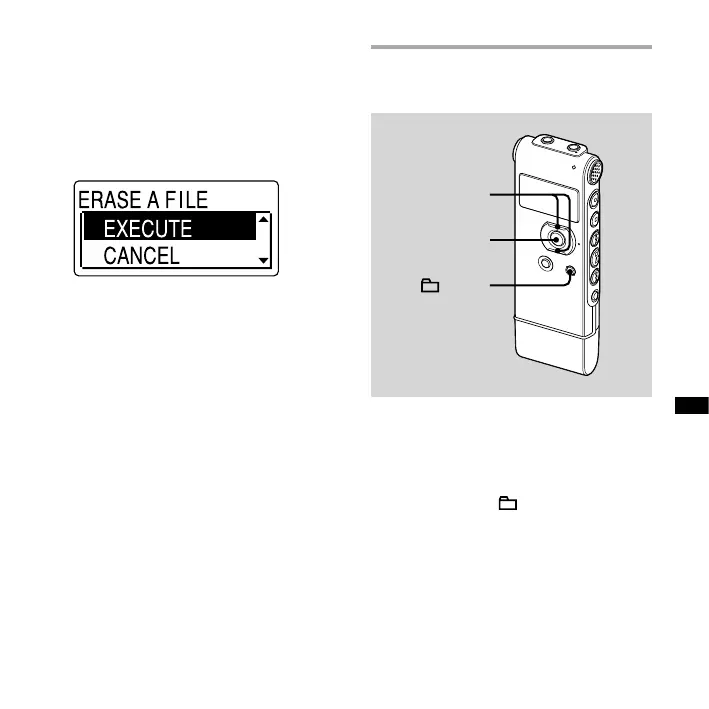
4 Press or on the control button
to select “EXECUTE,” and then press
ENT.
“ERASING …” appears in the display
window and the selected message will
be erased.
To cancel erasing
Select “CANCEL” in step 4, and then press
ENT.
To erase another message
Proceed with the same steps again from
the beginning.
To erase a part of one message
Divide the message into two messages
rst, and then proceed with the same
steps from the beginning.
Erasing all messages in a
folder
,
ENT
/MENU
1 Select the folder containing the
messages you want to erase when
the IC recorder is in the stop mode.
2 Press and hold /MENU to enter
the menu mode.
The menu mode window will be
displayed.



 To Next Page