ICD-UX71/UX81/UX71F/UX81F/UX91F 4-114-023-41(1)
30
GB
Starting to record
automatically in response to
sound – the VOR function
,
/MENU
ENT
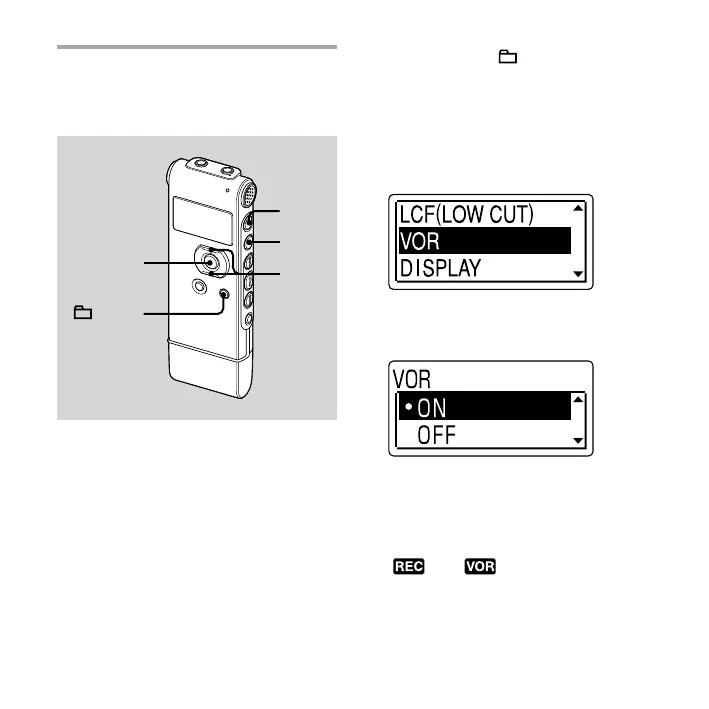
You can set the VOR (Voice Operated
Recording) function to “ON,” to make the
IC recorder start recording when the IC
recorder detects sound, and pause when
no sound is heard, eliminating recording
during soundless periods.
The VOR function is set to “OFF” when
you purchase the IC recorder.
1 Press and hold /MENU to enter
the menu mode.
The menu mode window will be
displayed.
2 Press or on the control button
to select “VOR,” and then press ENT.
3 Press or on the control button
to select “ON,” and then press ENT.
4 Press (stop) to exit the menu
mode.
5 Press (record/pause).
“ ” and “ ” appear in the display
window.



 To Next Page