ICD-UX71/UX81/UX71F/UX81F/UX91F 4-114-023-41(1)
82
GB
Playing Back Music
Files
,
ENT
/MENU
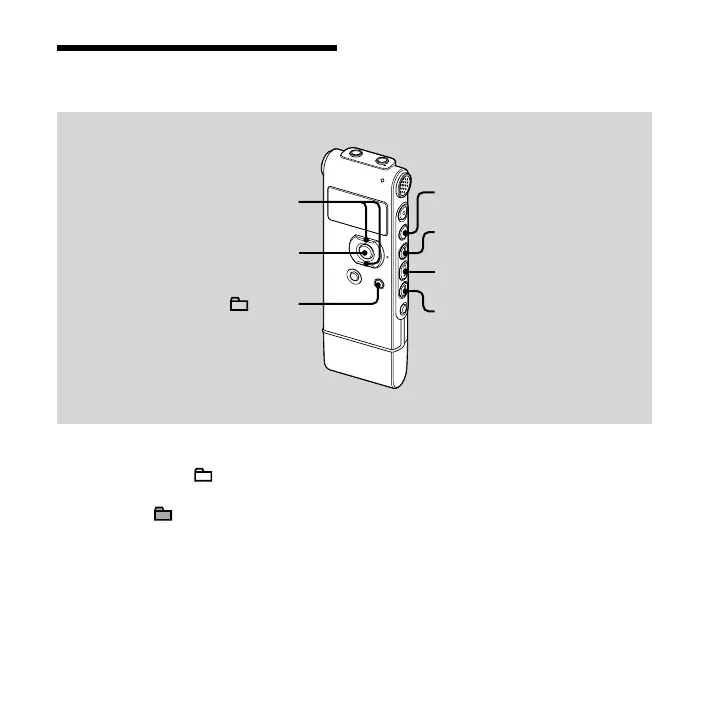
1 Remove the IC recorder from your
computer, press /MENU, press
or on the control button to select
the folder ( ) in which music les
are stored, and then press ENT.
2 Press or to select the
music le you want to play.
3 Press to start playback.
4 Press (stop) to stop playback.



 To Next Page