ICD-UX71/UX81/UX71F/UX81F/UX91F 4-114-023-41(1)
23
GB
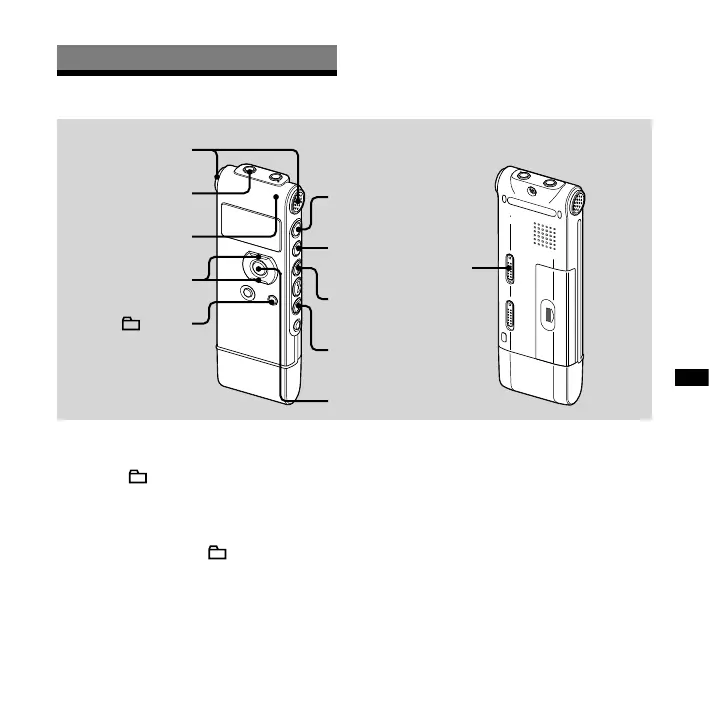
Recording/Playback Messages
Recording/Playing Back Messages
Recording Messages
ENT
,
(headphone)
jack
Built-in
microphones
Operation
indicator
/MENU
HOLD
1 Select a folder.
Press /MENU to display the folder
selection window.
Press or on the control button to
select the folder in which you want to
record messages ( FOLDER01-05),
and then press ENT.
2 Start recording.
Press (record/pause) in the stop
mode.
The operation indicator lights in red.
(When “LED” is set to “OFF” in the
menu (page 70), the operation
indicator does not light.)
You do not need to press and hold
(record/pause) while recording.
The new message will be
automatically recorded after the last
recorded message.
Speak into the built-in microphones.



 To Next Page