ICD-UX71/UX81/UX71F/UX81F/UX91F 4-114-023-41(1)
76
GB
Note
When you transfer a music file from your
computer, you can play it back, however, you
cannot divide it, or move it.
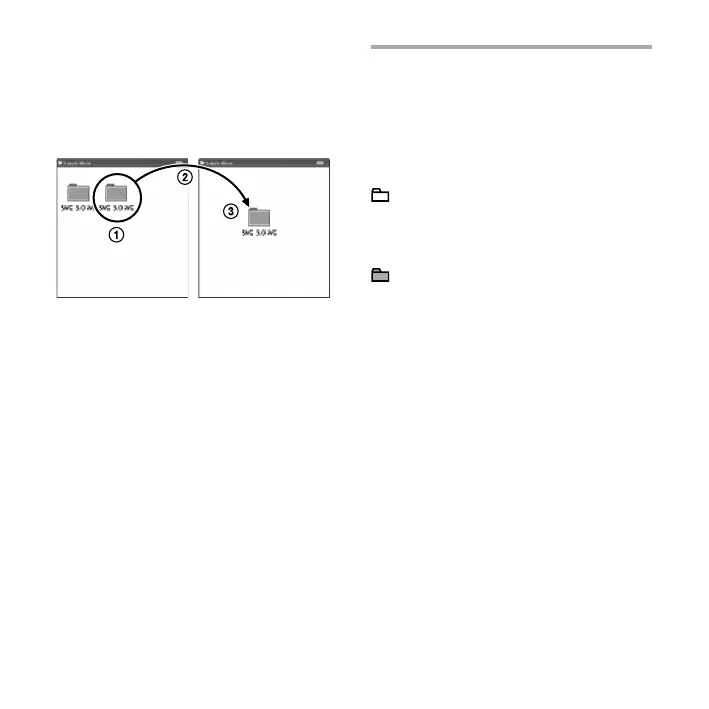
To copy a folder (Drag and drop)
Click and hold,
drag,
and then drop.
Construction of folders and
les
The folders and les are displayed on the
computer screen as shown.
The folder indicators in the display
window of the IC recorder are as follows:
: Folder for messages recorded using
the IC recorder (They have been
already made when you purchase
the IC recorder.)
: Folder transferred from a computer
(They are displayed when music
les have been transferred from a
computer.)
Note
You can record messages in up to 5 folders
using the IC recorder.



 To Next Page