ICD-UX71/UX81/UX71F/UX81F/UX91F 4-114-023-41(1)
39
GB
Recording/Playback Messages
Playing Back
Messages
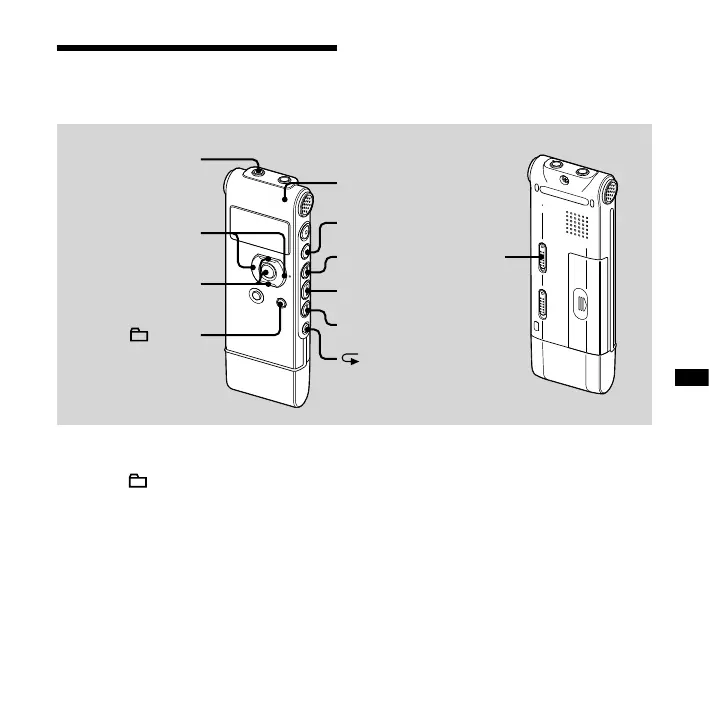
HOLD
(headphone)
jack
VOL +, –
,
/MENU
A-B
Operation
indicator
1 Select a folder.
Press /MENU.
Press or on the control button to
select the folder, and then press ENT.
2 Press or to select the
message you want to play.
3 Press to start playback.
The operation indicator lights in green.
(When “LED” is set to “OFF” in the menu
(page 70), the operation indicator does
not light.)
4 Press VOL + or – on the control
button to adjust the volume.
5 Press (stop) to stop playback.



 To Next Page