ICD-UX71/UX81/UX71F/UX81F/UX91F 4-114-023-41(1)
38
GB
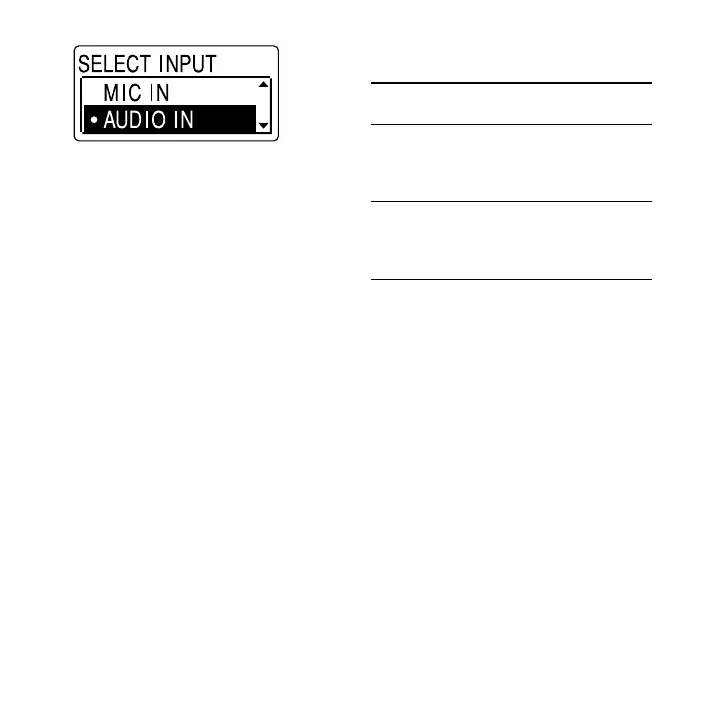
7 Press or on the control button
to select “AUDIO IN,” and then press
ENT.
8 Press (stop) to exit the menu
mode.
9 Press (record/pause) to start
recording.
The built-in microphones are
automatically cut o and the sound
from the connected equipment is
recorded.
10 Start playback on the component
connected to the IC recorder.
* Optional audio connecting cables (not
supplied)
To the IC
recorder
To the other
equipment
RK-G139 Stereo
mini-plug
(without
resistor)
Mini-plug
(monaural)
(without
resistor)
RK-G136 Stereo
mini-plug
(without
resistor)
Stereo
mini-plug
(without
resistor)
Notes
When recording from other equipment, the
microphone sensitivity cannot be adjusted.
If the input level is not strong enough,
connect the headphone jack (minijack,
stereo) of other equipment to the
(microphone) jack of the IC recorder and
adjust the volume level on the equipment
connected to the IC recorder.
If “SELECT INPUT” is not displayed, set it in the
menu (page 68).
Your dealer may not handle some of the
above listed optional accessories. Please ask
the dealer for detailed information.



 To Next Page