ICD-UX71/UX81/UX71F/UX81F/UX91F 4-114-023-41(1)
44
GB
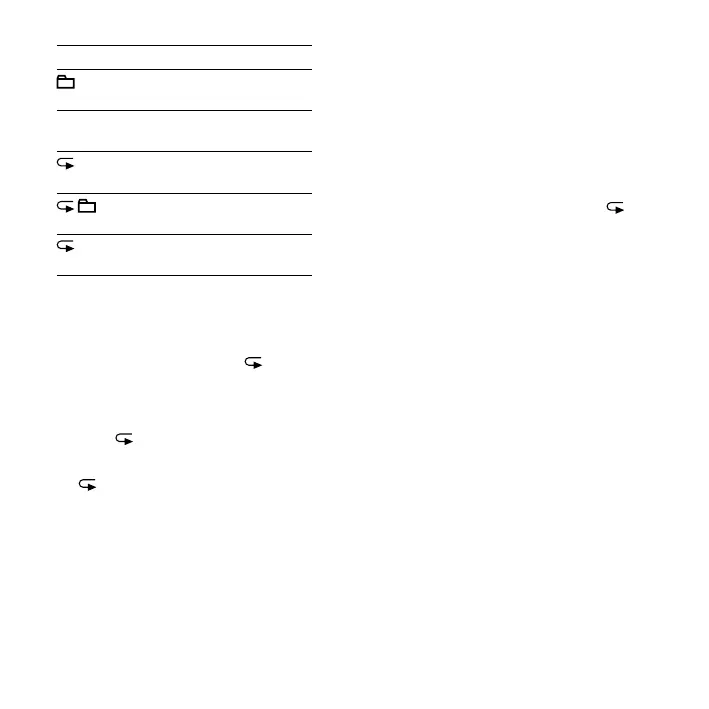
1 A message is played back.
Messages in one folder are
played back continuously.
ALL All the messages are played
back continuously.
1 One message is played back
repeatedly.
Messages in one folder are
played back repeatedly.
ALL All the messages are played
back repeatedly.
Playing back a specied section
repeatedly – A-B Repeat
1 During playback, press (repeat)
A-B to specify the starting point A.
“A-B B?” is displayed.
2 Press (repeat) A-B again to
specify the nishing point B.
“ A-B” is displayed and the specied
section is played back repeatedly.
To resume normal playback
Press .
To stop A-B Repeat playback
Press (stop).
To change the segment specied
for A-B Repeat playback
During A-B Repeat playback, press A-B
again to specify a new starting point A.
Then specify a new nishing point B, as
in step 2.
Note
You cannot specify the finishing point B before
the starting point A that has been set.



 To Next Page