ICD-UX71/UX81/UX71F/UX81F/UX91F 4-114-023-41(1)
60
GB
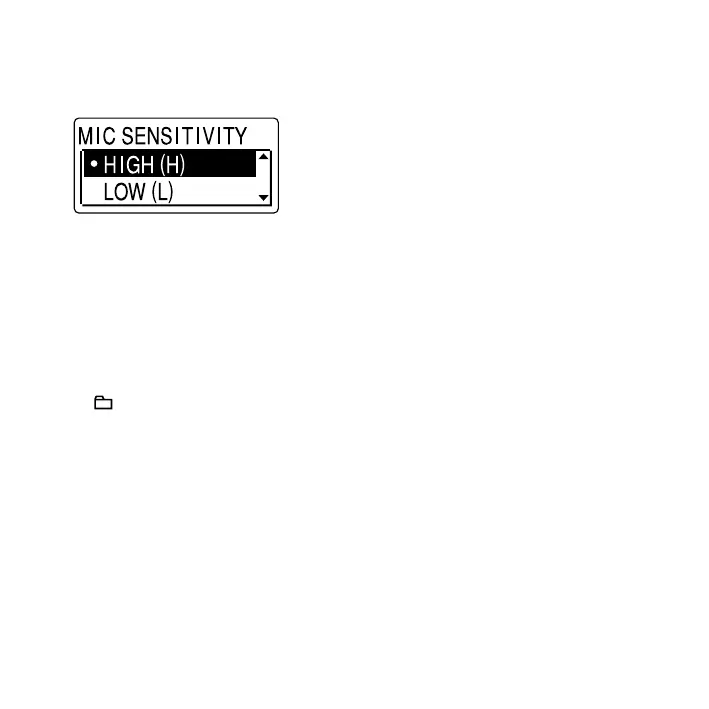
3 Press or on the control button
to select the setting that you want
to set, and then press ENT.
4 Press (stop) to exit the menu
mode.
Note
If you do not press any button for one minute,
the menu mode is automatically cancelled and
the window will return to the normal display.
To return to the previous window
Press /MENU during menu mode.
To exit the menu mode
Press (stop).



 To Next Page