ICD-UX71/UX81/UX71F/UX81F/UX91F 4-114-023-41(1)
66
GB
Menu items Settings (*: Initial setting)
See page
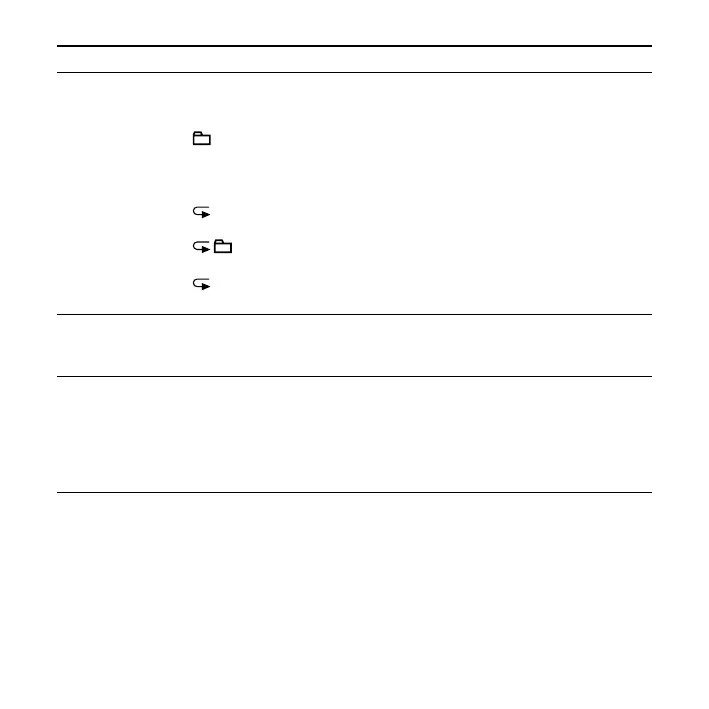
PLAY MODE Sets the playback mode.
1:
A message is played back.
*:
Messages in one folder are played back continuously.
ALL:
All the messages are played back continuously.
1:
One message is played back repeatedly.
:
Messages in one folder are played back repeatedly.
ALL:
All the messages are played back repeatedly.
43
MOVE The selected message will be moved to the selected folder.
Before attempting to move a message, select the message to
be moved and then go to the menu window.
54
ALARM Sets the alarm.
ON:
To set the alarm, select “ON” and set the date, time or day of
the week or choose daily for playback.
OFF*:
The alarm is cancelled.
49



 To Next Page