ICD-UX71/UX81/UX71F/UX81F/UX91F 4-114-023-41(1)
96
GB
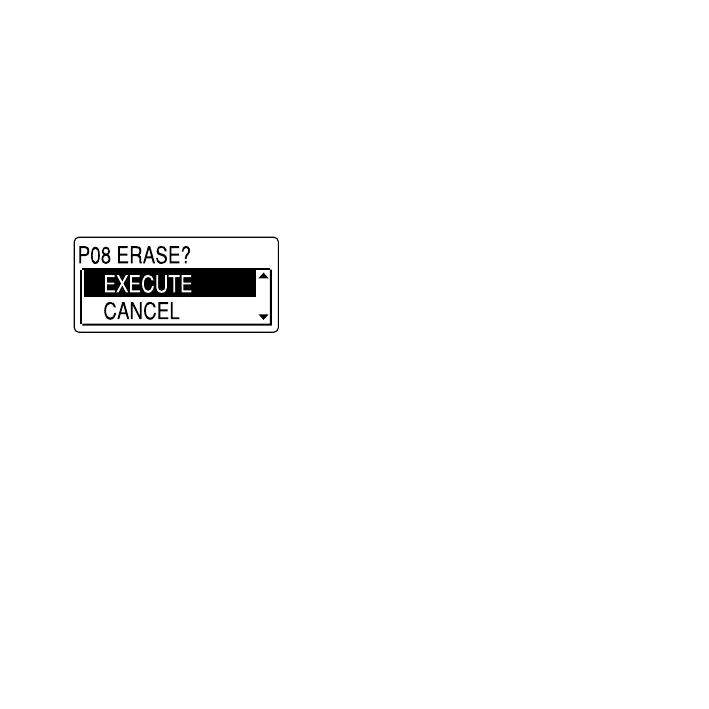
4 Press and hold ENT.
The preset number and “ERASE?” will
be displayed on the display.
5 Press or on the control button
repeatedly to select “EXECUTE,” and
then press ENT.
The preset number will be changed
to “P- -.”



 To Next Page