Other
functions
Changing
the
sound
settings
Adjusting the sound
characteristics
1 Press
(SELECT/ENTER)
repeatedly until
the desired item appears.
2 Rotate the control dial to adjust the
selected item.
3 Press
~
(BACK).
The
setting is
complete
and the display
returns to normal play/reception mode.
The
following items can
be
set (follow the page
reference for details):
DSO
(Dynamic
Soundstage Organizer)
Creates a more
ambient
sound
field.
To select the
DSO
mode:
"I,"
"2,"
"3"
or
"OFF."
The
larger the number, the
more
enhanced
the
effect.
LOW*l, MID*l,
HI*1
(page 17)
BAL (Balance)
Adjusts the sound
balance
between the left and
right speakers.
FAD
(Fader)
Adjusts the relative level between the front and
rear speakers.
SUB
(Subwoofer
volume)
Adjusts the
subwoofer
volume.
AUX (AUX level)*2
Adjusts the volume level for each
connected
auxiliary equipment: "+
18
dB"
-
"0
dB"
-
"-8
dB."
This setting negates the need to adjust the
volume level between sources.
*I When EQ3 is activated.
*2 When
AUX
source is activated.
Customizing the equalizer curve
-EQ3
"CUSTOM"
of
EQ3
allows you to make your
own equalizer settings.
1 Select a source, then press
(EQ3)
repeatedly to select "CUSTOM."
2 Press
(SELECT/ENTER)
repeatedly until
"LOW,"
"MID" or "HI" appears.
3 Rotate the control dial to adjust the
selected item.
The
volume level is adjustable in I dB steps,
from
-10
dB to +10 dB.
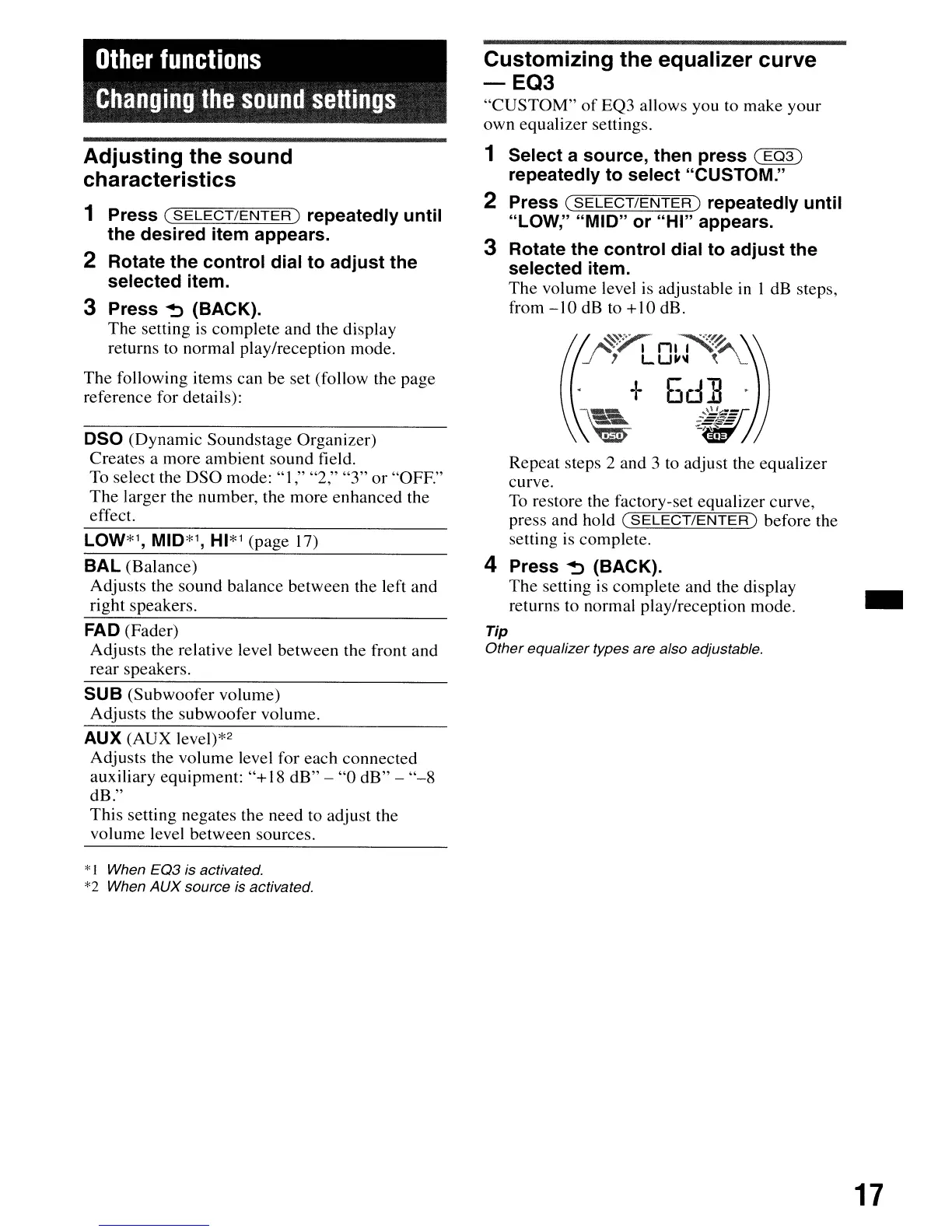
-:-
5d]
Repeat steps 2 and 3 to adjust the equalizer
curve.
To restore the factory-set equalizer curve,
press and hold
(SELECT/ENTER)
before the
setting is complete.
4 Press
~
(BACK).
The
setting is
complete
and the display
..
returns to normal play/reception mode.
Tip
Other
equalizer types are also adjustable.
17


 To Next Page