Using the Menu
84
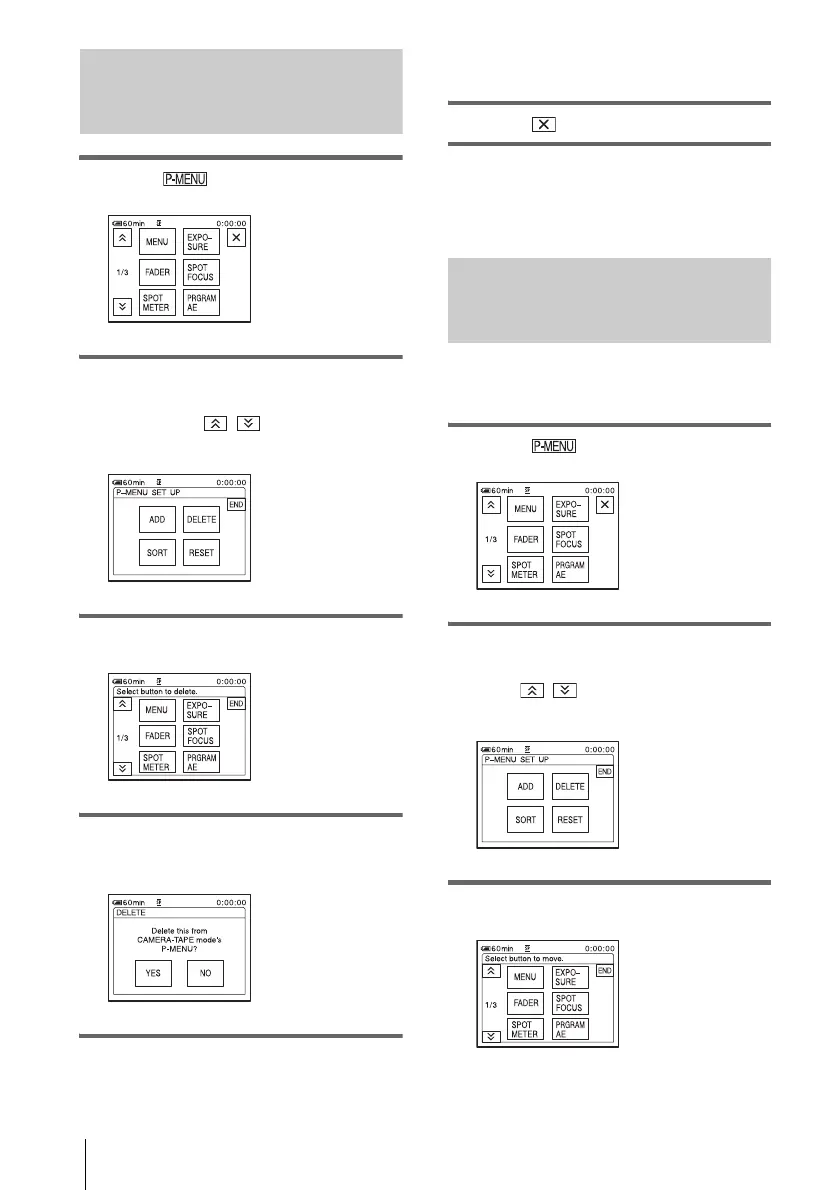
Deleting menu – Delete
1 Touch .
2 Touch [P-MENU SET UP].
If the desired menu is not displayed on the
screen, touch / until the menu is
displayed.
3 Touch [DELETE].
4 Touch the menu that you want to
delete.
5 Touch [YES].
The selected menu is deleted from Personal
Menu.
6 Touch .
b Note
• You cannot delete [MENU] and [P-MENU SET
UP].
Arranging the order of menus
displayed on Personal Menu
– Sort
You can sort the menus added to Personal Menu
in the desired order.
1 Touch .
2 Touch [P-MENU SET UP].
If the menu is not displayed on the screen,
touch / until the desired menu is
displayed.
3 Touch [SORT].















 To Next Page