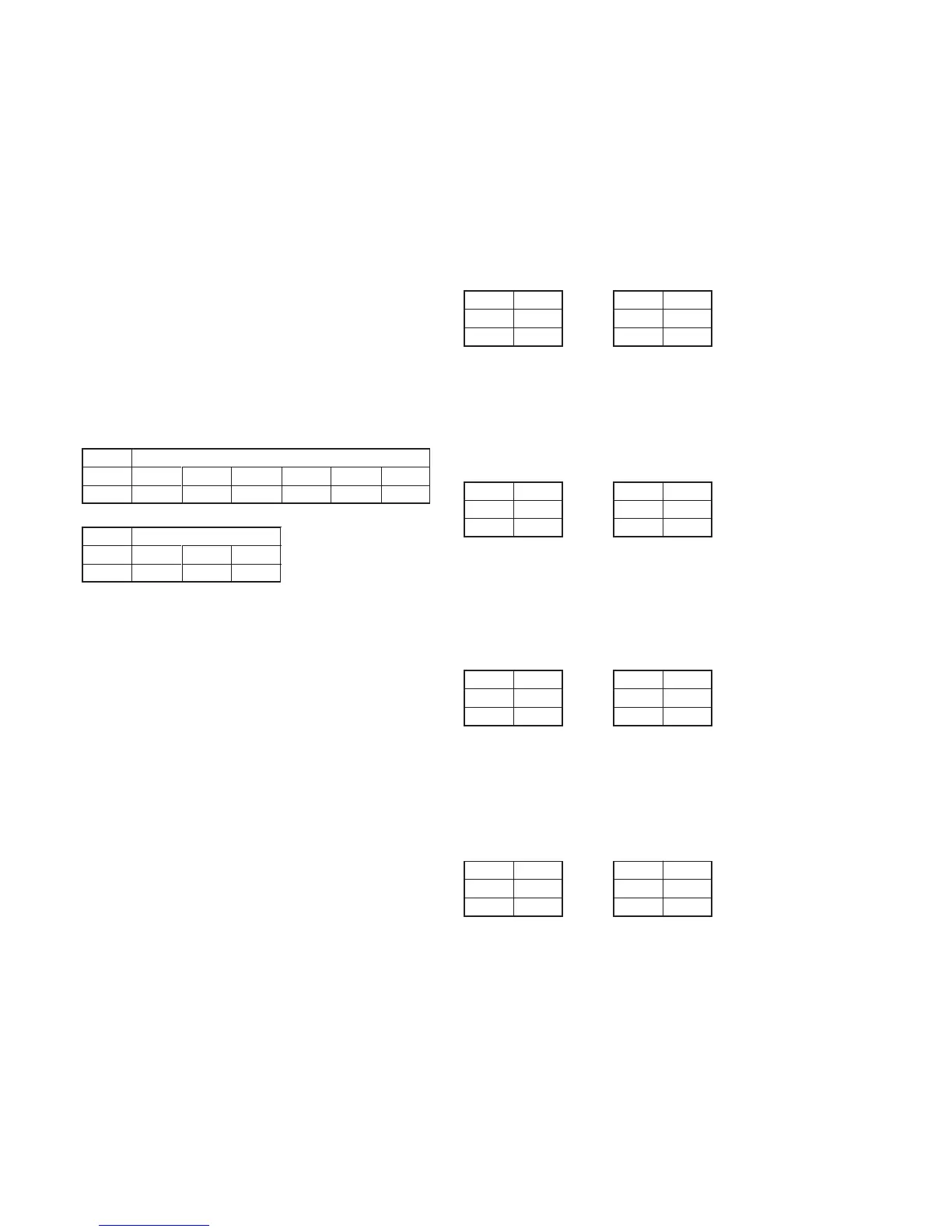
5-48
Address
16
17
63
84
C5
55
75
07
D3
D6
59
01
FF
D0
Data
Address
41
42
Data
26
A1
Address
16
17
86
35
33
AA
90
B6
Data
Address
41
42
Data
69
73
3-5-2. BIST Check
1. Playback System Check
1-1. Preparation for Playback
1) Set the POWER switch to VTR (or PLAYER) position.
2) Connect the adjusting remote commander and set the HOLD
switch to ON (SERVICE) position.
3) Playback the BIST check tape. (XH5-6(NTSC), XH5-6P(PAL))
Note: Perform the following checks in the playback mode.
1-2. IC1814(TRF) BIST(PB) Check
1) Select page: 3, address: 12, set data: 04, and press the PAUSE
button.
2) Select page: 3, address: 12, set data: 00, and press the PAUSE
button.
3) Select page: 3, address: 13, set data: 02, and press the PAUSE
button.
4) When the playback system of IC1814(TRF) is normal, the
display data (combination data) of page: 3, address: 16 and 17
agrees with any combination as shown below.
NTSC model
PAL model
1-3. IC1601(TFD) BIST(PB) Check
1) Select page: 3, address: 40, set data: 0F, and press the PAUSE
button.
2) Select page: 3, address: 40, set data: 00, and press the PAUSE
button.
3) When all playback system of IC1601(TFD) is normal, the
display data (combination data) of page: 3, address: 41 and 42
agrees with any combination as shown below.
NTSC model PAL model
4) Select page: 3, address: 40, set data: 03, and press the PAUSE
button.
5) Select page: 3, address: 40, set data: 00, and press the PAUSE
button.
6) When the video playback system of IC1601(TFD) is normal,
the display data (combination data) of page: 3, address: 41 and
42 agrees with any combination as shown below.
NTSC model PAL model
7) Select page: 3, address: 40, set data: 05, and press the PAUSE
button.
8) Select page: 3, address: 40, set data: 00, and press the PAUSE
button.
9) When the audio playback system of IC1601(TFD) is normal,
the display data (combination data) of page: 3, address: 41 and
42 agrees with any combination as shown below.
NTSC model PAL model
10) Select page: 3, address: 40, set data: 09, and press the PAUSE
button.
11) Select page: 3, address: 40, set data: 00, and press the PAUSE
button.
12) When the subcode playback system of IC1601(TFD) is normal,
the display data (combination data) of page: 3, address: 41 and
42 agrees with any combination as shown below.
NTSC model PAL model
Address
41
42
Data
7C
01
Address
41
42
Data
A6
E1
Address
41
42
Data
88
A9
Address
41
42
Data
43
C8
Address
41
42
Data
72
CD
Address
41
42
Data
76
A9












 To Next Page