144
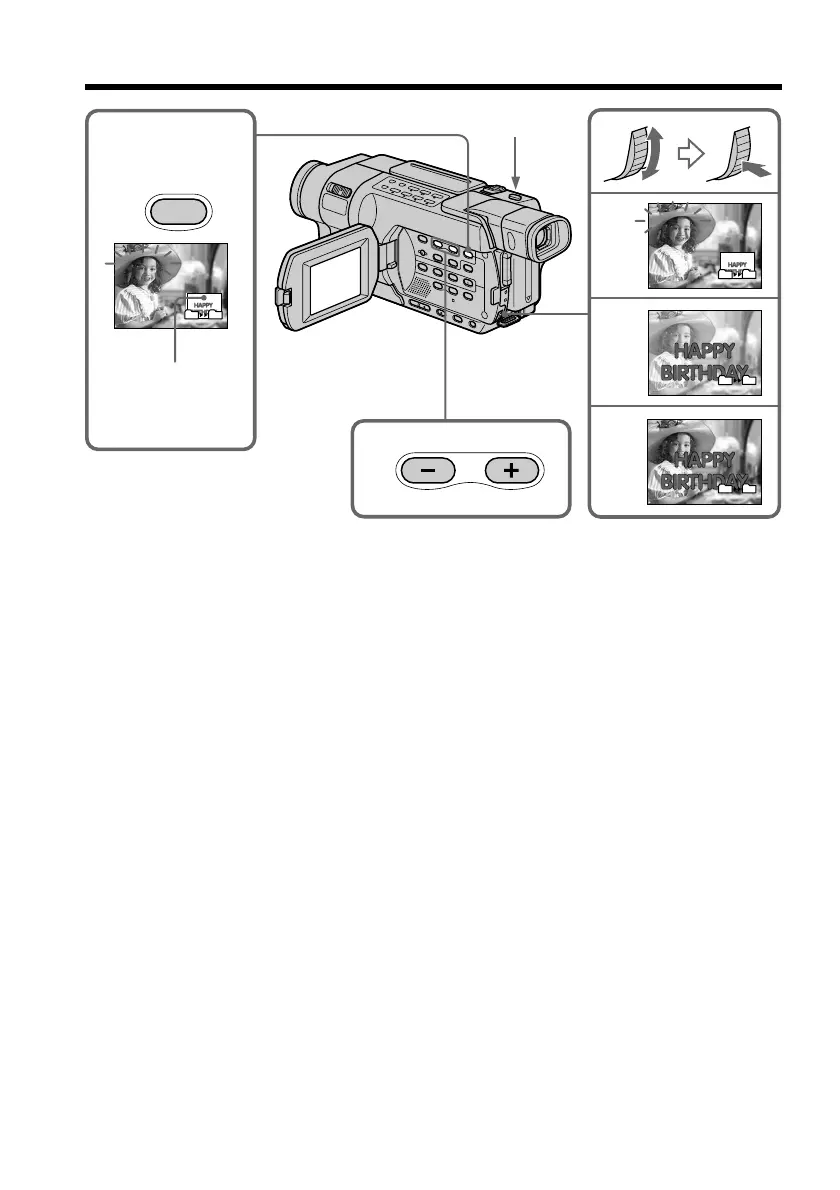
Superimposing a still image in the “Memory Stick” on an image
– MEMORY MIX
To change the still image to superimpose
Do either of the following:
– Press MEMORY+/– before step (7).
– Press the SEL/PUSH EXEC dial before step (7), and repeat the procedure from step
(3).
To change the mode setting
Press the SEL/PUSH EXEC dial before step (7), and repeat the procedure from step (4).
To cancel MEMORY MIX
Press MEMORY MIX.
2
4
5
6
M. CHROM
M. LUMI
M. LUMI
M. LUMI
III••••
I••••••
101–0021
101–0021
3
101–0021
101–0021
MEMORY
MIX
101
101
101
101
101
101
101
101
Still image
PHOTO



 To Next Page