61
Advanced Recording Operations
Using the fader function
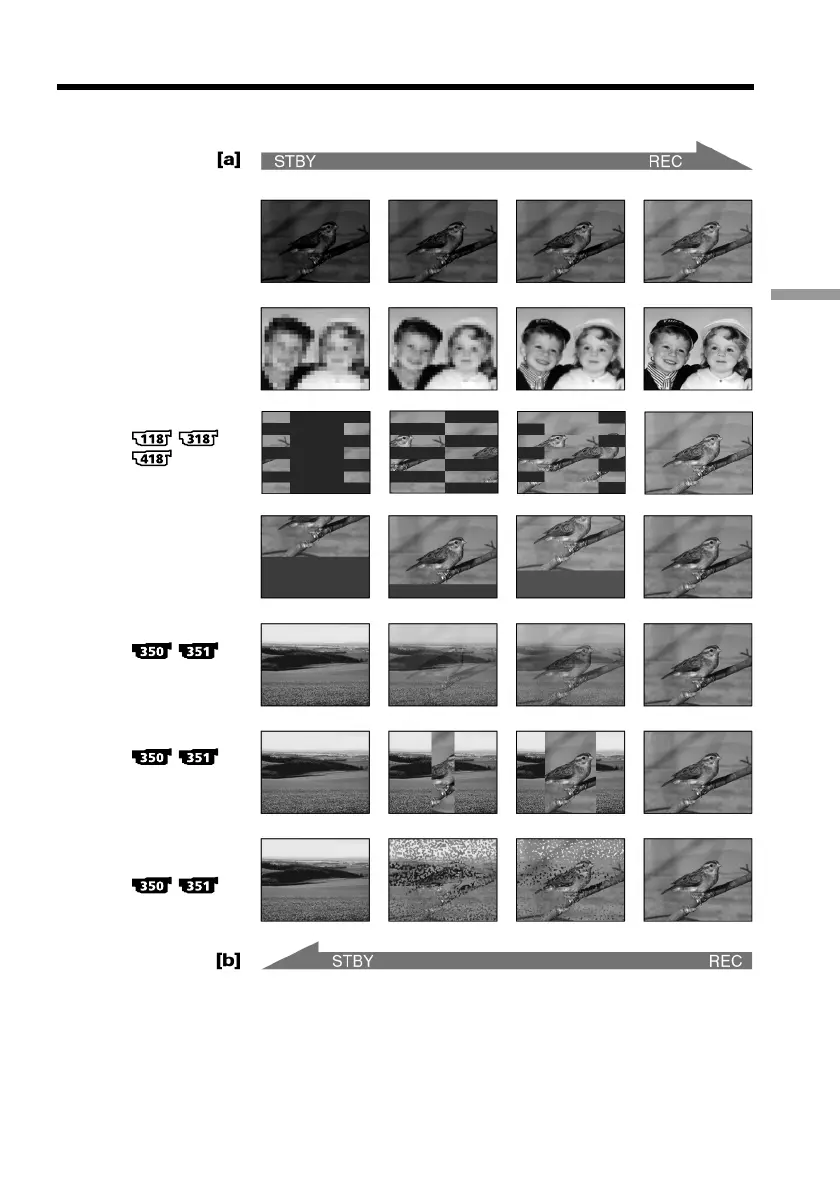
You can fade in or out to give your recording a professional appearance.
MONOTONE
When fading in, the picture gradually changes from black-and-white to color.
When fading out, the picture gradually changes from color to black-and-white.
*
1)
You can use BOUNCE when D ZOOM is set to OFF in the menu setting.
*
2)
Fade in only
FADER
M.FADER
(mosaic)
BOUNCE *
1)
*
2)
OVERLAP *
2)
DOT *
2)
(random dot)
STRIPE
WIPE *
2)



 To Next Page