24
2, 3
1
Step 1 Preparing the power supply
Note
Approximate continuous playing time at 25°C (77°F). The battery life will be shorter if
you use your camcorder in a cold environment.
Playback time
The table shows the playing time for tapes recorded in the Digital8 system.
The playing time of tapes recorded in the Hi8 /standard 8 mm system is reduced
by about 20%.
You can charge the battery in other countries
For details, see page 246.
Recommended charging temperature
We recommend charging the battery pack in an ambient temperature of between 10°C
to 30°C (50°F to 86°F).
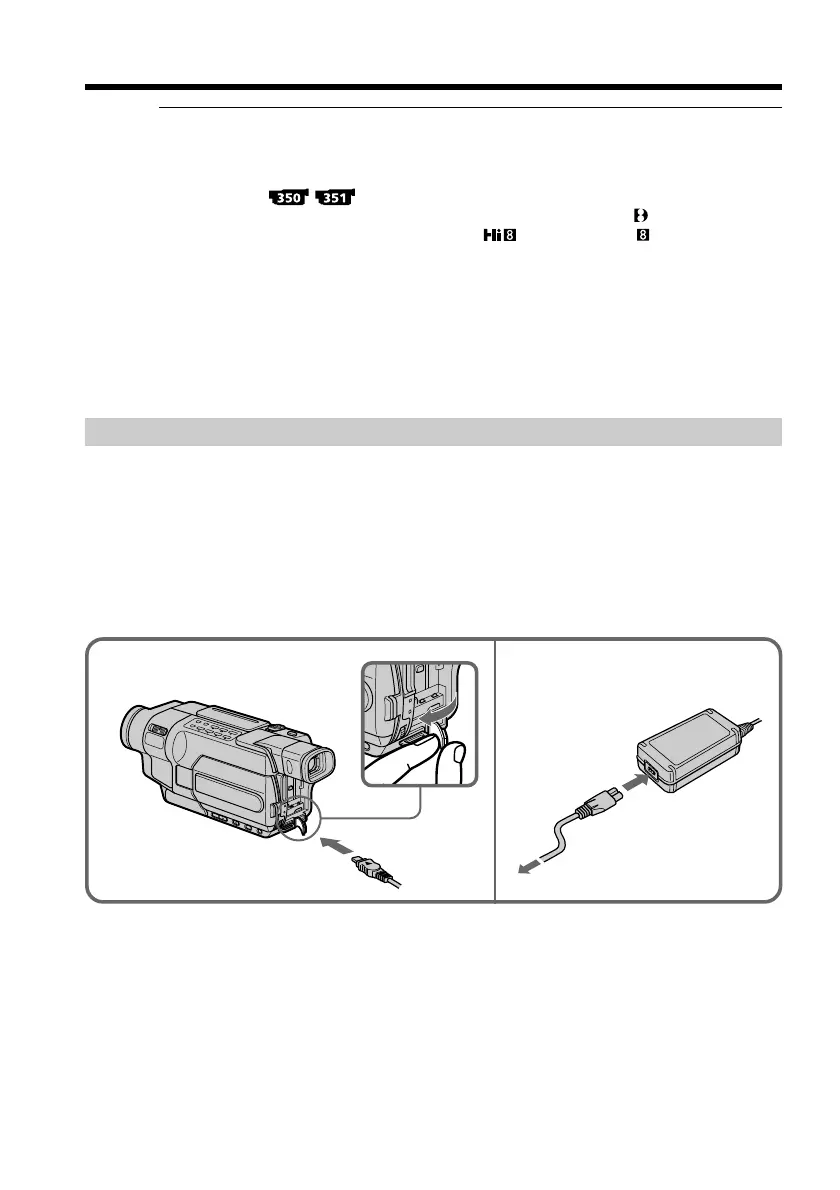
Connecting to a wall outlet
When you use your camcorder for a long time, we recommend that you power it from a
wall outlet using the AC Adaptor.
(1) Open the DC IN jack cover, and connect the AC Adaptor to the DC IN jack on
your camcorder with the plug’s v mark facing up.
(2) Connect the power cord to the AC Adaptor.
(3) Connect the power cord to a wall outlet.



 To Next Page