38
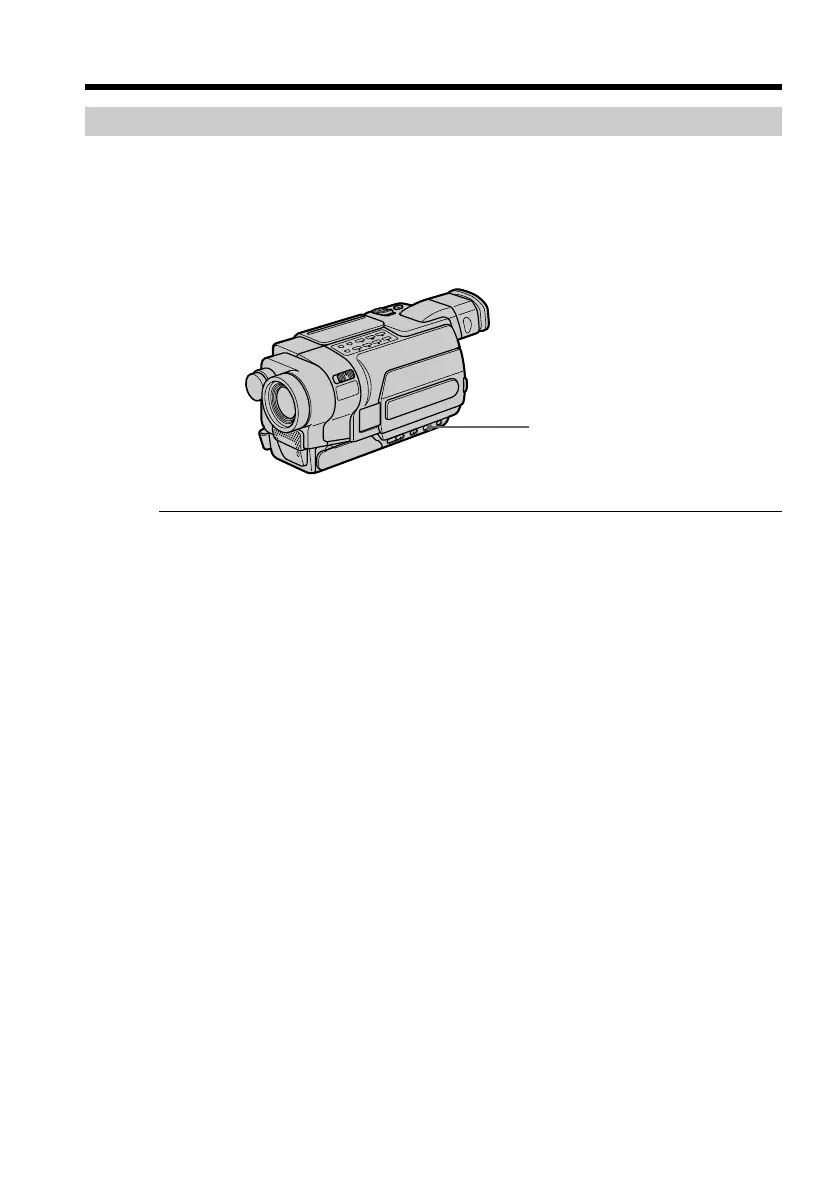
Shooting a backlit subject – BACK LIGHT
When you shoot a subject with the light source behind the subject or a subject with a
light background, use the backlight function.
Set the POWER switch to CAMERA or MEMORY, and press BACK LIGHT.*
The . indicator appears on the screen.
To cancel the backlight function, press BACK LIGHT again.
If you press EXPOSURE when shooting backlit subjects
The backlight function will be canceled.
* Modes on the POWER switch vary depending on models (p. 16).
Recording a picture
BACK LIGHT



 To Next Page