190
Connecting your camcorder to your computer using the USB cable
Installing Image Transfer
Image Transfer enables image data recorded on a “Memory Stick” to be automatically
transferred (copied) to your computer.
If you are using Windows 2000, log in with permission of administrators.
If you are using Windows XP, log in with permission of computer administrators.
(1) Turn on your computer and allow Windows to load.
(2) Insert the supplied CD-ROM in the CD-ROM drive of your computer. The
application software starts up.
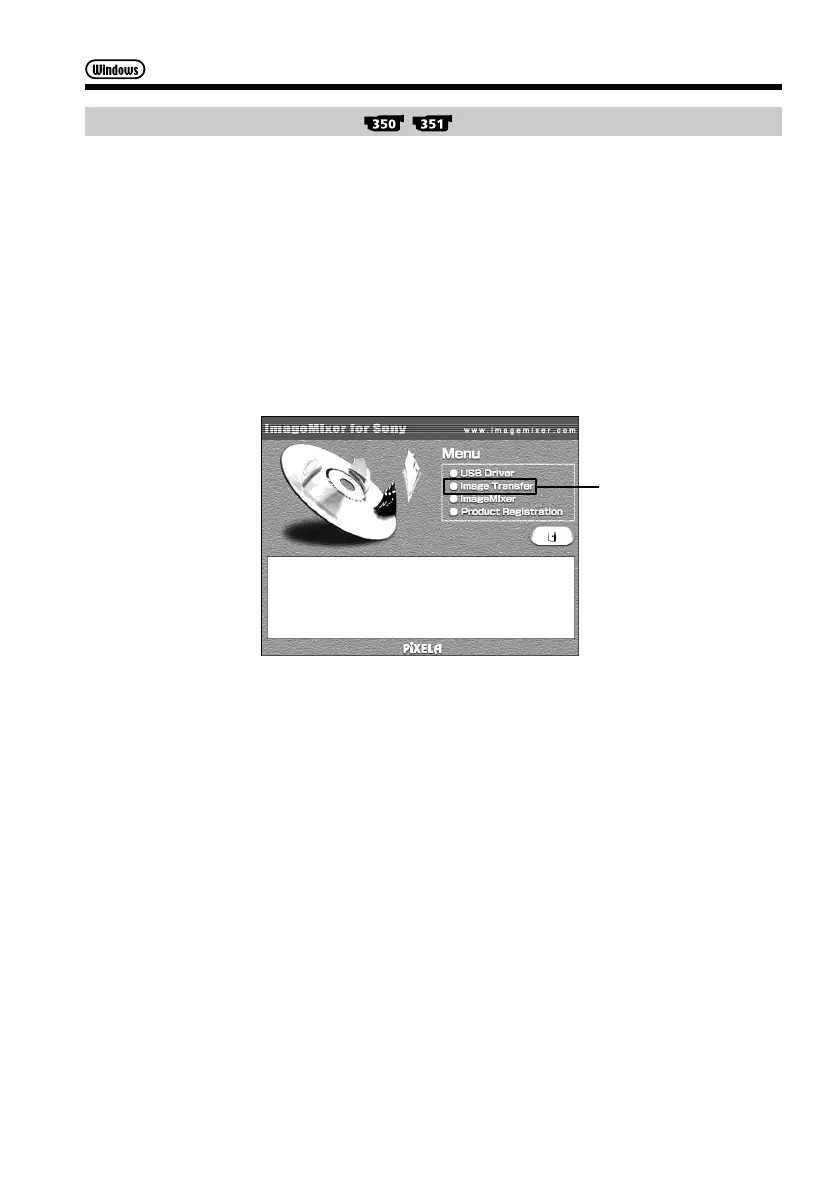
(3) Select “Handycam” on the screen.
The title screen appears.
(4) Move the cursor to “Image Transfer” and click.
The Install Wizard program starts up and the “Choose Setup Language”
screen appears.
(5) Select the language for installation.
(6) Follow the on-screen messages.
The installation screen disappears when installation is complete.
Click



 To Next Page