185
Viewing Images on Your Computer
Viewing images recorded on a “Memory Stick”
When connecting to a computer using the USB cable
You can also use a Memory Stick Reader/Writer (optional).
Follow the instructions in order described below
System requirements (p. 188)
r
Installing the USB driver (p. 189)
r
Installing Image Transfer (p. 190)
r
Making the computer recognize the camcorder (p. 192)
r
Viewing images with Image Transfer (p. 202)
Viewing images without Image Transfer (p. 203)
System requirements (p. 205)
r
Installing the USB driver (p. 206)
r
Viewing images (p. 207)
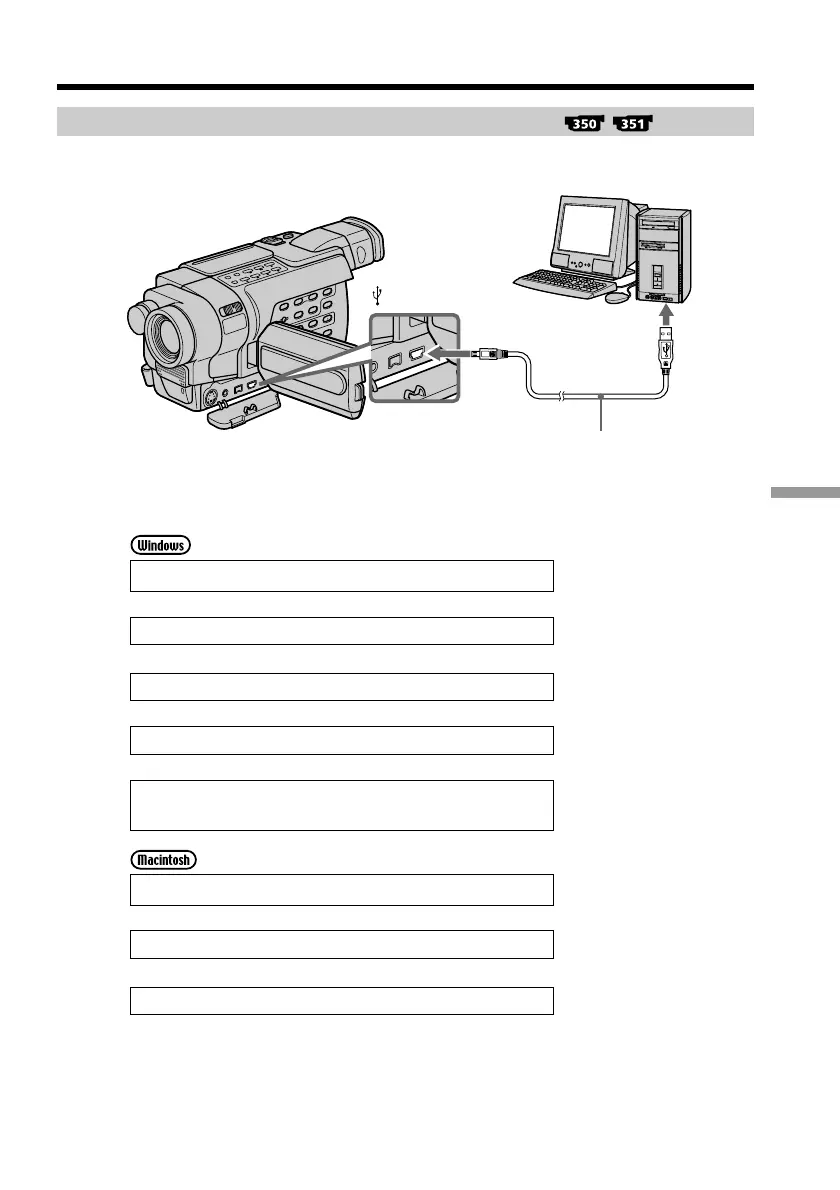
Viewing images on your computer – Introduction
USB connector
USB cable (supplied)
Push into the end
(USB) jack



 To Next Page