62
(1) To fade in [a]
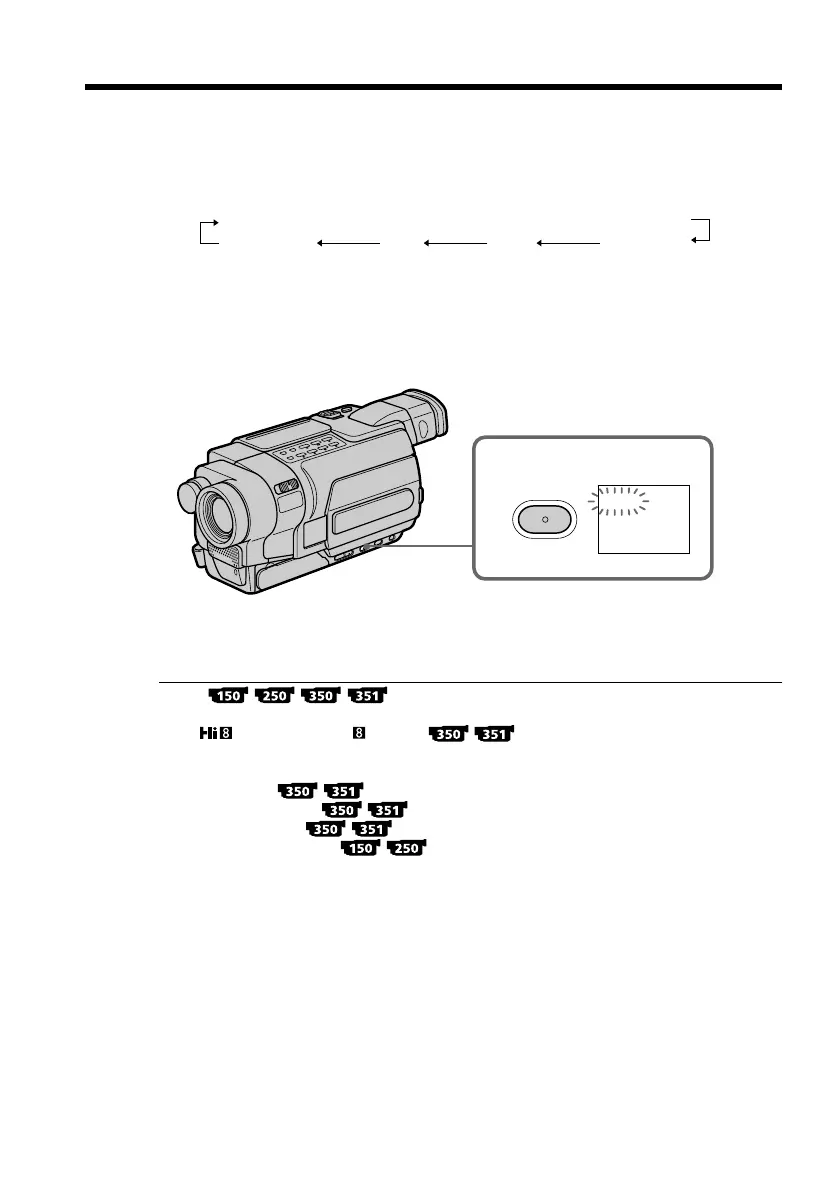
In the standby mode, press FADER until the desired fader indicator flashes.
To fade out [b]
In the recording mode, press FADER until the desired fader indicator flashes.
The indicator changes as follows:
FADER t M.FADER t STRIPE t BOUNCE t MONOTONE
no indicator DOT WIPE OVERLAP
The last selected fader mode is indicated first of all.
(2) Press START/STOP. The fader indicator stops flashing.
After fade in/out ends, your camcorder automatically returns to the normal
mode.
To cancel the fader function
Before pressing START/STOP, press FADER repeatedly until the indicator disappears.
Notes
•The OVERLAP, WIPE and DOT functions do not work with tapes recorded in the
Hi8 /standard 8 mm system.
•You cannot use the following functions while using the fader function. Also, you
cannot use the fader function while using the following functions:
– Digital effect
– Color Slow Shutter
– Super NightShot
– Tape Photo recording
– Interval recording
– Frame recording
Using the fader function
1
FADER
FADER



 To Next Page