148
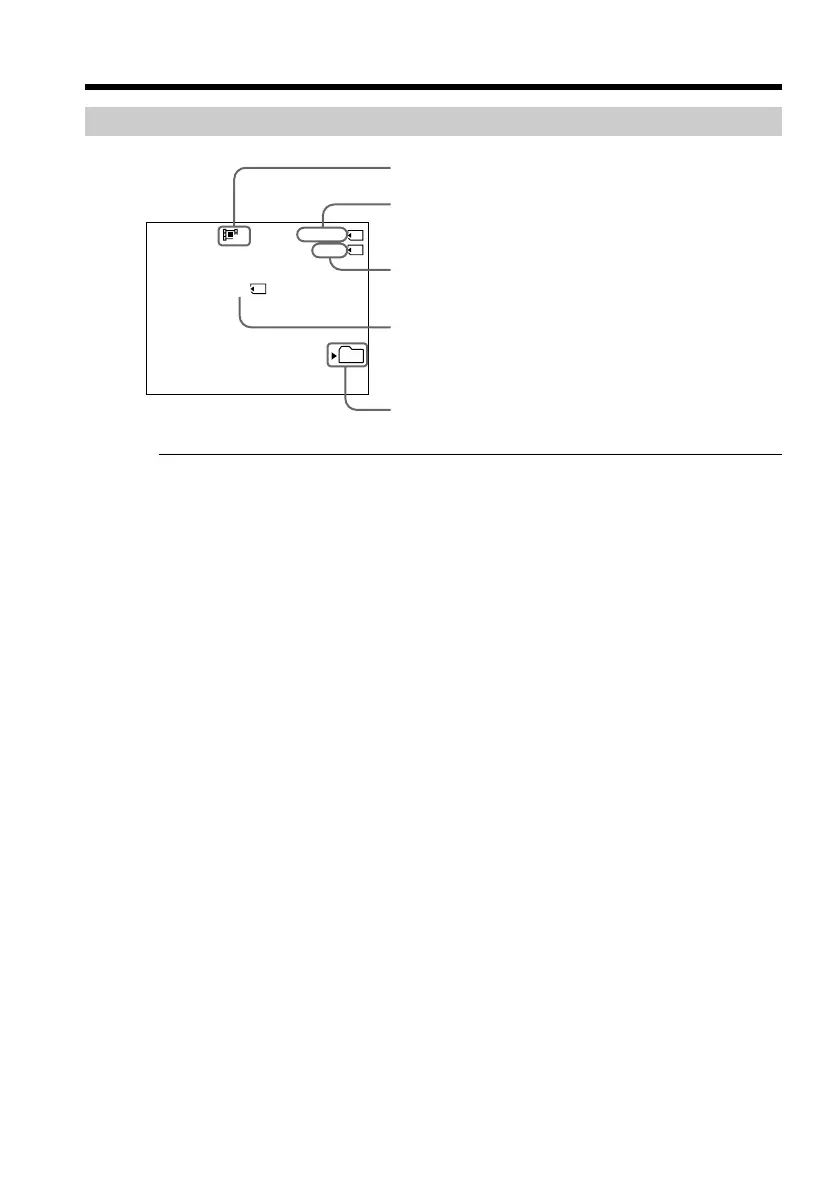
Screen indicators during MPEG movie recording
Note
The current recording folder indicator indicates the folder in which images are
recorded.
In VCR mode
•The current recording folder indicator is displayed for about five seconds in the
following cases:
– When a “Memory Stick” is inserted
– When the POWER switch is set to another position
•The current recording folder indicator is displayed while your camcorder is recording
a moving picture on a “Memory Stick.”
Recording moving pictures on a “Memory Stick”
– MPEG movie recording
320
REC
0:00:05
1min
101
BBB
Image size
Recording time
Current recording folder
This indicator is displayed for five seconds after
pressing START/STOP. This indicator is not recorded.
Approximate recording time of moving pictures that
can be recorded on the “Memory Stick”



 To Next Page