215
Customizing Your Camcorder
After five minutes of removing the power source
The HiFi SOUND *
2)
, EDIT *
3)
and AUDIO MIX *
2)
items are returned to their default
settings.
Notes on AUDIO MIX *
2)
•You can adjust the balance only for tapes recorded in the Digital8 system.
•When playing back a tape recorded in the 16-bit mode, you cannot adjust the balance.
Note on PB MODE *
6)
The mode will return to the default setting when:
– you remove the power source.
– you turn the POWER switch.
*
1)
Modes on the POWER switch vary depending on models (p. 16).
*
2)
*
3)
*
4)
*
5)
When you play back tapes recorded in the Hi8 /standard 8 mm system only
*
6)
Changing the menu settings
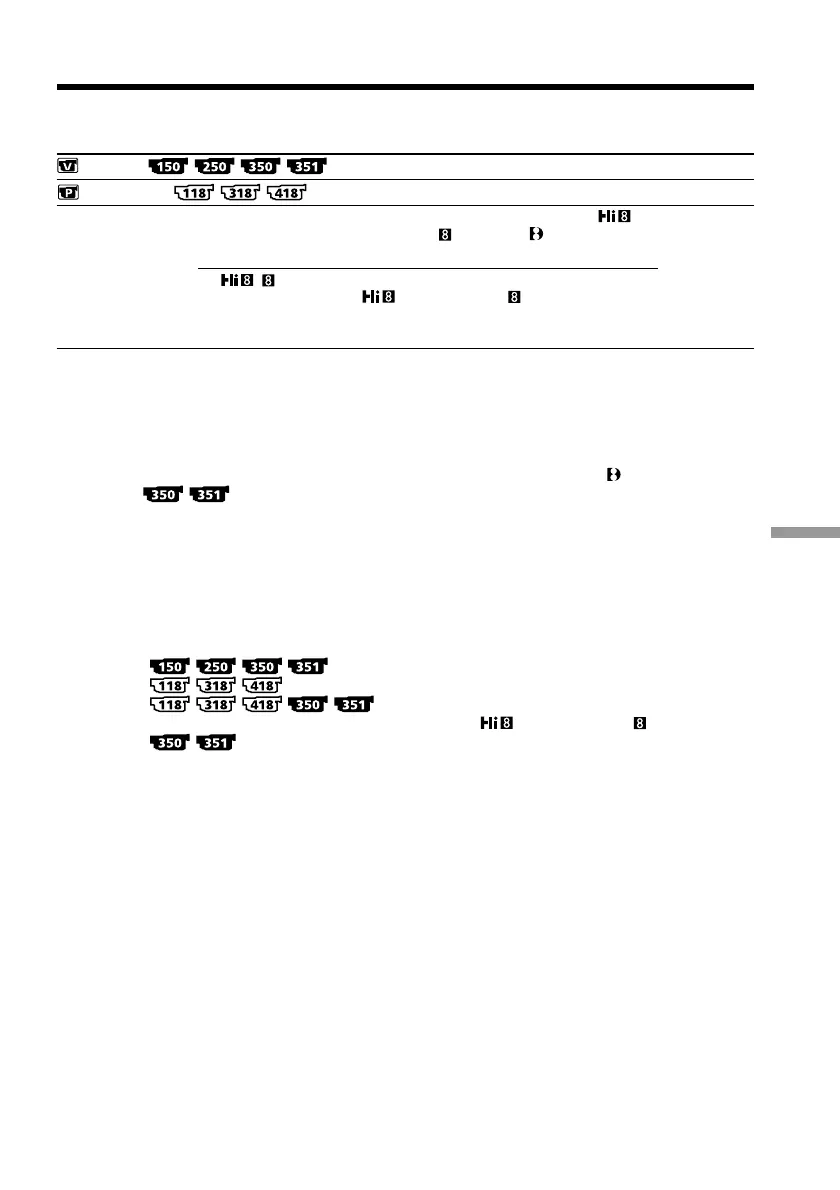
Icon/item
VCR SET
PLAYER SET
PB MODE *
6)
Mode
z AUTO
/
Meaning
To automatically select the system (Hi8 /
standard 8 mm or Digital8 ) that was used
to record on the tape, and play back the tape.
To play back a tape that was recorded in the
Hi8 /standard 8 mm system when your
camcorder does not automatically distinguish
the recording system.
POWER
switch *
1)
VCR



 To Next Page