EasyManua.ls Logo

Sony DPF-D830 - User Manual

Sony DPF-D830
54 pages
Print Icon
To Next Page IconTo Next Page
Loading...
4-265-301-12 (1)
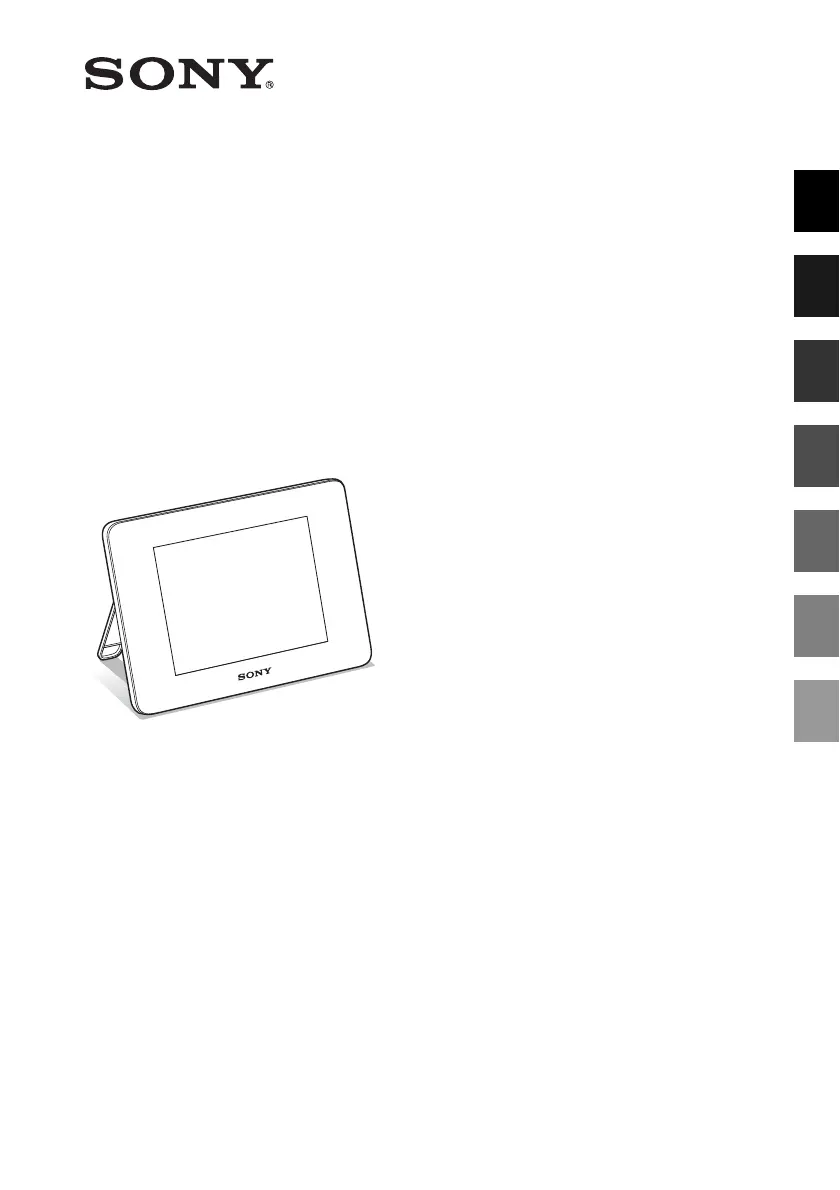
Digital Photo
Frame
DPF-D830/D830L
© 2010 Sony Corporation
Before operation
Basic operations
Advanced operations
Using with a computer
Error messages
Troubleshooting
Additional information
Digital Photo Frame Handbook

Table of Contents

Other manuals for Sony DPF-D830

Questions and Answers

  • R
    Richard GomezAug 12, 2025
    Why no images are displayed on my Sony DPF-D830?
    • W
      wmcdonaldAug 12, 2025
      First, ensure a memory card is properly inserted or an external device is correctly connected. Also, verify that the memory card or external device contains images and that the file formats are compatible with your Sony Digital Photo Frame. If the file is not compatible with DCF, it might not display, even if your computer can display it.
  • J
    Jason BrewerAug 16, 2025
    What to do if nothing happens when I operate my Sony Digital Photo Frame?
    • N
      Nathan SawyerAug 16, 2025
      Try turning the power off and then on again. If that doesn't work, use a thin object like a ballpoint pen to push the RESET switch. Be aware that resetting the Sony Digital Photo Frame may erase data in its internal memory or reset the settings.
  • J
    Jamie BentonAug 20, 2025
    Why can't I save an image on my Sony DPF-D830?
    • L
      levi79Aug 20, 2025
      First, cancel write-protection. You can also slide the write-protect switch to the enable position. If that doesn't work, replace the memory card with one that has enough free space, or delete unwanted images from your Sony Digital Photo Frame. If you do not make a folder, you can only save up to 512 images. When saving images from a computer, create a folder in the internal memory and save the images there.
  • A
    adamsvictoriaAug 27, 2025
    Why is the file name not displayed properly on Sony DPF-D830?
    • M
      Mitchell BowmanAug 27, 2025
      If you named or renamed the file on your computer and the file name includes characters other than alphanumeric characters, the file name may not be displayed properly on your Sony Digital Photo Frame.
  • A
    Alex BallAug 30, 2025
    What to do if remote control is not working on Sony Digital Photo Frame?
    • S
      sean42Aug 30, 2025
      Try replacing the battery in the remote control, ensuring that you insert it with the correct orientation. Also, make sure to point the top end of the remote control towards the remote sensor on the Sony Digital Photo Frame and remove any obstructions between them. Remove the protective sheet from the remote control.
  • D
    David ObrienSep 4, 2025
    Why images are not played back in order on Sony DPF-D830?
    • R
      Rodney LucasSep 4, 2025
      If you edit or save an image file on a computer, the date of the file was modified. Therefore, images are displayed in order of the modified date instead of the shooting date on your Sony Digital Photo Frame.
  • M
    Megan PatelSep 7, 2025
    Why can't I charge the built-in battery pack of my Sony DPF-D830?
    • G
      gmasseySep 8, 2025
      If the internal temperature of the Sony Digital Photo Frame rises due to direct sunlight, battery charging becomes disabled. The standby indicator might not light up, but this does not indicate a malfunction.
  • J
    Jonathan ComptonNov 22, 2025
    Why some images are not displayed on Sony Digital Photo Frame?
    • T
      Tommy ChangNov 22, 2025
      The image file may be damaged, even if its thumbnail preview looks fine. Also, a file that is not compatible with DCF may not display, even if it works on a computer. If the image file may not be supported by the photo frame because, for example, it is a JPEG file that was created with your computer. Also, the image file may be supported, but may not contain thumbnail data. If the mark shown on the left is displayed, the image file is supported by the photo frame, but the thumbnail data or image itself cannot be opened. Also, ensure that you have not exceeded the limit of 4,999 image files that the Sony Digital Photo Frame can handle. If you named or renamed the file on your computer and the file name includes characters other than alphanumeric characters, the image may not be able to be d...

Sony DPF-D830 Specifications

General IconGeneral
Display Size8 inches
Resolution800 x 600 pixels
Aspect Ratio4:3
USB PortYes
Power SourceAC Adapter
Supported FormatsJPEG
Memory Card SlotSD

Related product manuals