28
GB
– Turning off the power
– Removing an memory card
– Removing an USB external device
– Inserting another memory card
• Importing video files to internal memory using the
buttons on the photo frame is not available. To
import a video file, connect a computer to the photo
frame and copy a video file on the computer to
internal memory on the photo frame. For details, see
“Connecting to a computer” (page 42).
Tip
You can change the thumbnail size for the image list
using [
/ ] on the remote control.
Specifying the playback
device
You can specify whether to display a memory
card, USB external device, or the internal
memory.
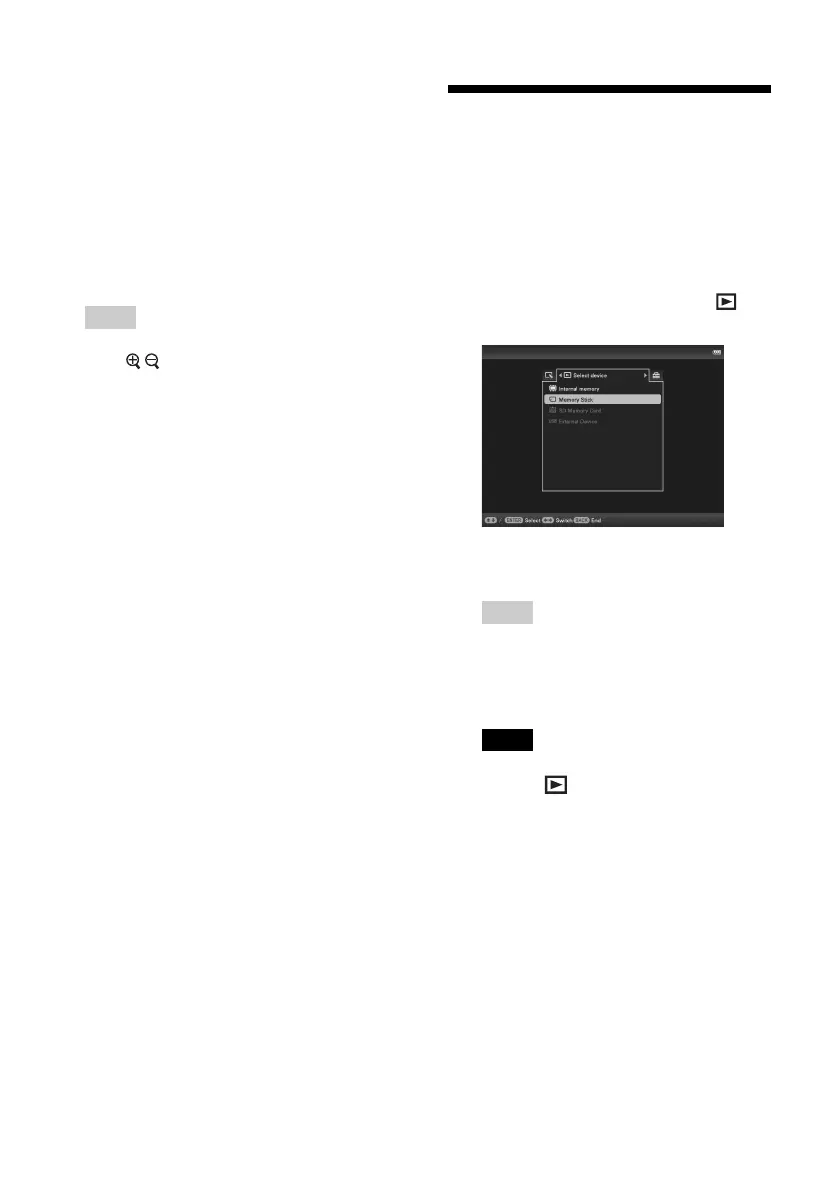
1 Press MENU then select the
(Select device) tab with B/b.
Using the remote control
Press SELECT DEVICE.
Tips
• If the memory card you want to select is
not inserted, insert it now.
• If the USB external device you want to
select is not connected, connect it now.
Note
During Clock and Calendar display, you cannot
select the (Select device) tab.
2 Press v/V to select the device you
want to display and press ENTER.
The images of the selected device are
displayed.



 To Next Page